 ®
API-first core
Every app talks to one central API for quota, schedule, tier and transactions. No product keeps its own diverging copy of that data.
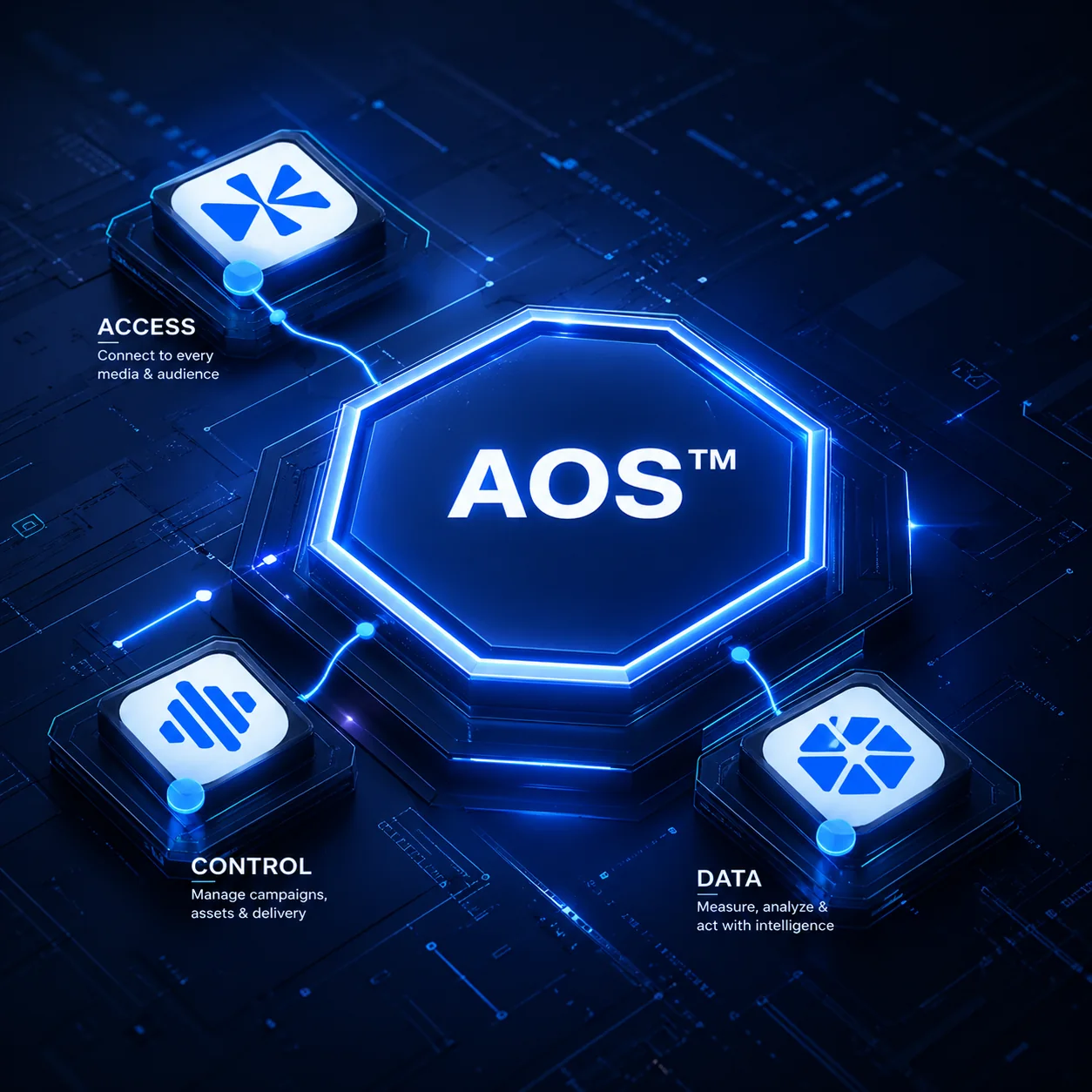
Kliktron AOS is built in layers on one core. Access sells, Control airs and proves, Insight measures, and Mobility and Activation extend the reach. Every product reads and writes the same records through the core.
Each layer answers one question. Access: who orders and pays? Control: what airs, and did it air? Insight: who saw it? The extensions take the same system onto the road and into live activation.
A play, a quota and a tier are defined once, at platform level. The app that sells them, the player that airs them and the report that proves them all read the same definition.
That is why a price, a schedule and a report can never disagree, and why a new product can join without a new set of rules.
The rules every product follows, so the platform behaves as one system as it grows.
Every app talks to one central API for quota, schedule, tier and transactions. No product keeps its own diverging copy of that data.
An admin, an operator, an advertiser or a read-only viewer has the same meaning, and the same limits, in every product.
Machines at the site hold the schedule, rates and balance. The cloud adds reach; it is never a condition for airing.
Audience video is processed on site. Only the counts leave the machine, never the footage.
The same player and counting software run indoors and outdoors, at fixed points and on Mōbitron vehicles. Only the site configuration changes.
One account, signed in with a phone number and a one-time password, opens every product the user’s role allows.
Every transaction follows one path, and each system is responsible for exactly one step of it.
The advertiser picks a point, tier and quota. The slot is locked on the same availability calendar the player reads. There is no second calendar.
Approved orders travel as commands to the machine at that point. Nobody re-enters the schedule by hand at the player.
The player airs the spot from local storage, resolving its schedule layers in a fixed order.
At the second of airing, the player writes a timestamp, seals a CCTV clip to it and syncs the record to the cloud.
At the same point, Soca Insight counts the people and vehicles passing and sends only the counts.
The play’s timestamp is matched with the count for that moment, so an airing can carry its own audience figure instead of a daily average.
The advertiser sees play history with audience. The media owner sees sales, occupancy and audience performance per point.
How the parts talk to each other, and to the people who use them.
Every machine is activated with its own key pair and a per-device licence signed with Ed25519. Without a valid licence the application does not run. Sign-in uses a one-time password, with a rate limit and lockout against guessing, and roles are enforced in the engine, not only on the screen.
No. The AOS core comes with the products. You license products per screen, camera or vehicle, and each one runs on the same core.
Schedule, rates and balance live on the machine at the site, and play records sync to the cloud. Video used for audience counting stays on site; only the counts leave.
Vertex Monitoring flags licences that expire within 30 days, so they can be renewed in time. A machine that is temporarily offline keeps working within its grace period.
Yes. The same software runs on Mōbitron vehicles, and Kliktrack adds the route, stops and stop times to the record.
The core is API-first, and integration with an existing system is scoped per project with the team.
 How it WorksThe Advertising Operating System (AOS) behind every play, stage by stage.TechnologyPlayers, cameras, tracking and the AOS core, explained for technical teams, integrators and investors.
 Advertising PlatformSoftware that runs, proves and measures a screen network, from one screen to a fleet across cities.
 LicensingHow software licences work: units, billing, activation, transfers, trials and expiry.

Walk through the architecture with the team, for your network or as a partner.