 ®
Reach people where they shop, work and meet.
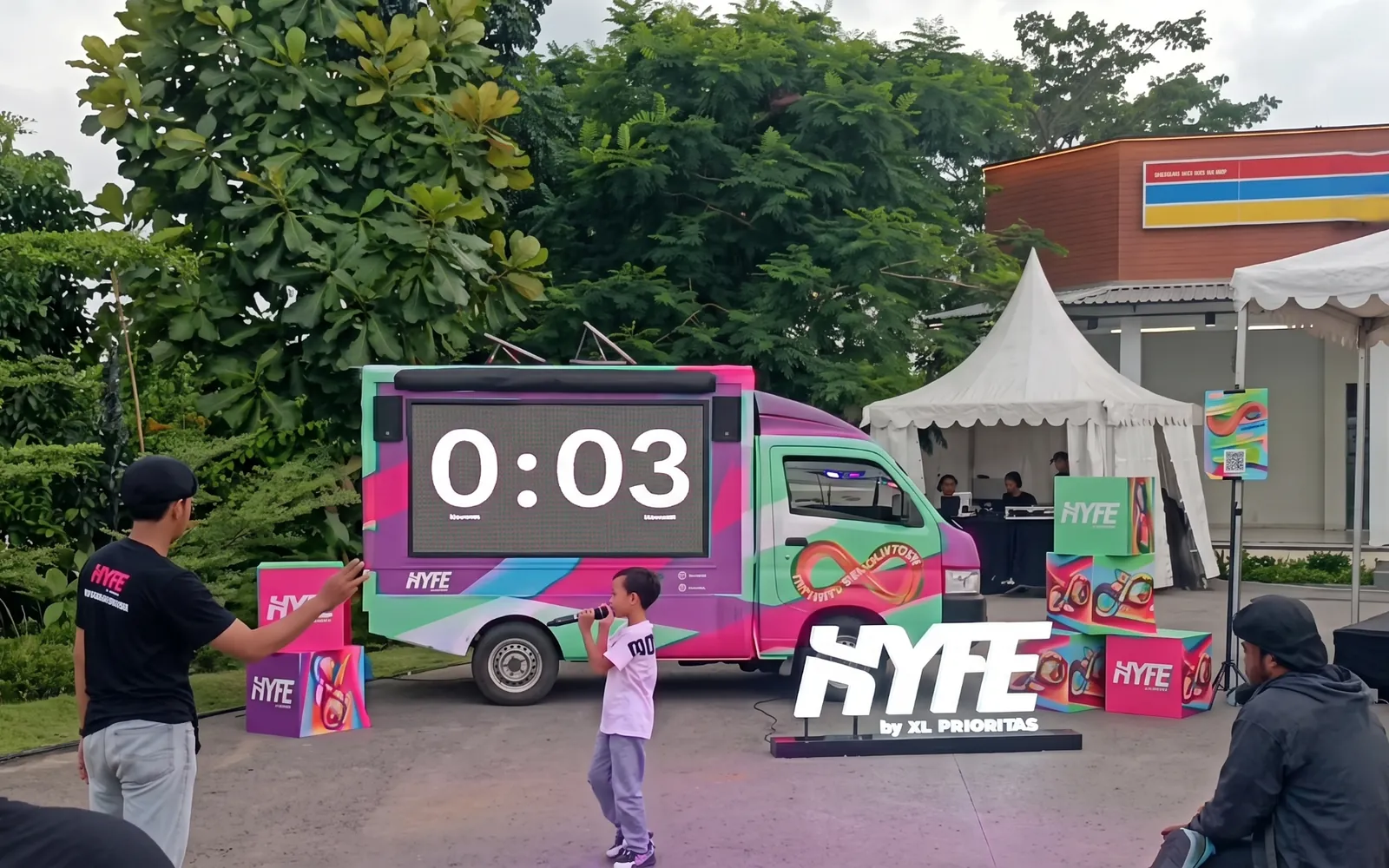
Videotrons on mall facades and in office districts, indoor screens in atriums and lobbies, and activations that turn a passing crowd into a queue. Buy airtime on the network, or bring your venue’s screens into it.
Three settings, three kinds of attention.
Shoppers arrive with time to spend. Office workers pass twice a day at the same hours. A crowd in an atrium wants something to do. Each setting asks for a different format.
Mall facades and forecourts
Outdoor videotrons on the face of a mall catch shoppers and the traffic outside. Mall Ciputra Cibubur in Bekasi is a Silver point from 30 plays; Mall Alam Sutera in Tangerang, Lippo Mall Puri in West Jakarta, and Mall of Indonesia and PIK Avenue in North Jakarta are project placements.
- Shoppers, families and drivers outside
- Several are portrait screens, such as Mall Alam Sutera and PIK Avenue
Atriums indoors
Indoor videotrons hang where the mall gathers: Atrium Grand Metropolitan and Atrium Metropolitan in Bekasi, and Atrium Metland Cileungsi in Bogor Regency. They are project placements with a minimum quota of 360 plays.
- An audience that lingers, not one that drives past
- Tall formats such as 512 × 2048 at Atrium Metropolitan Bekasi
Office districts
Screens at office addresses reach the same working crowd every morning and evening. The network includes SCBD Lot 9 and Mega Kuningan in South Jakarta, Graha Mandiri in Central Jakarta, and the portrait Gold screen at Graha Satria Fatmawati.
- Repeat exposure on the daily commute
- The same people, morning and evening
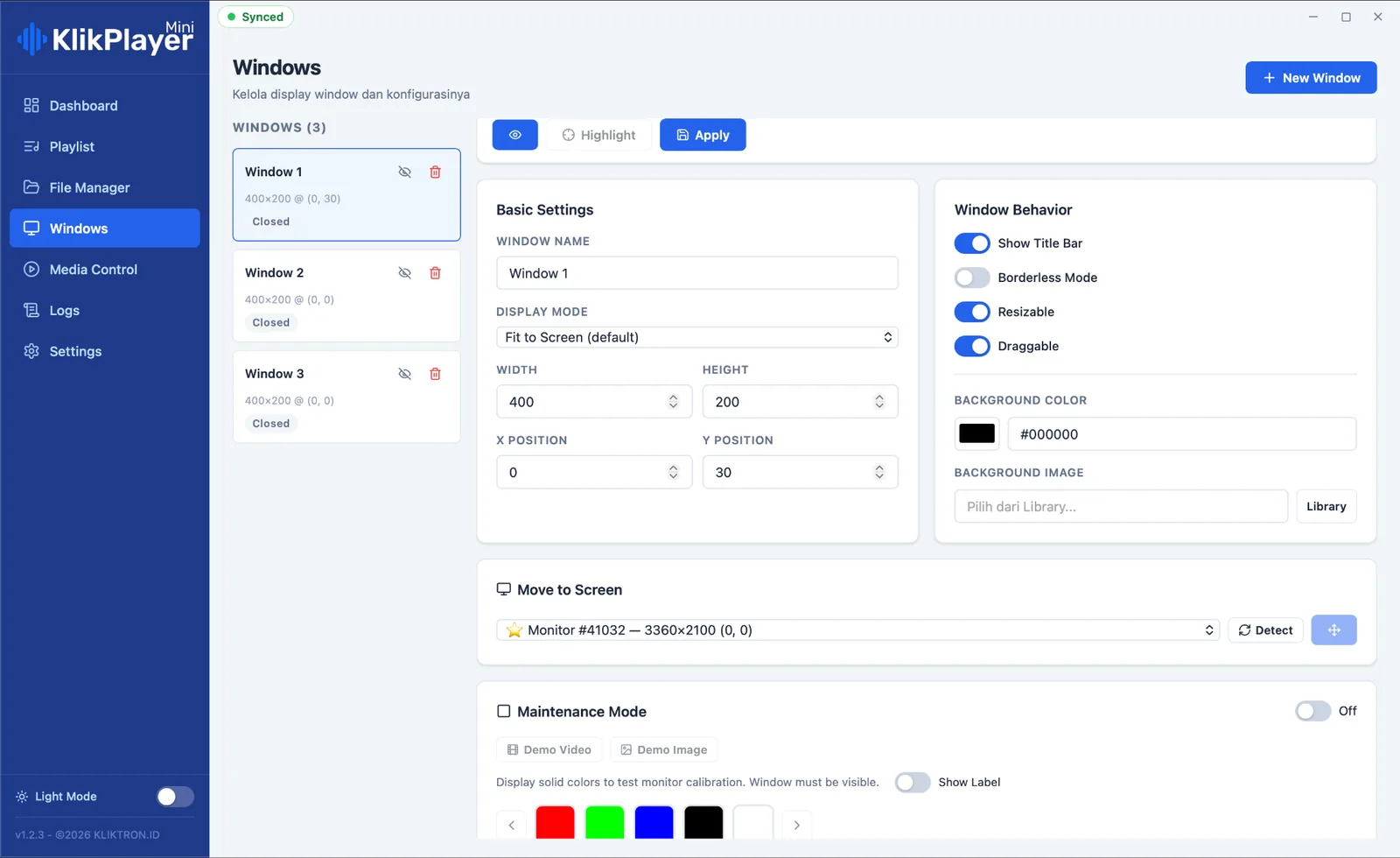
Schedule · Window 1TodayExclusiveSharingBlockingScreensaver0006121824Screens the venue runs itself
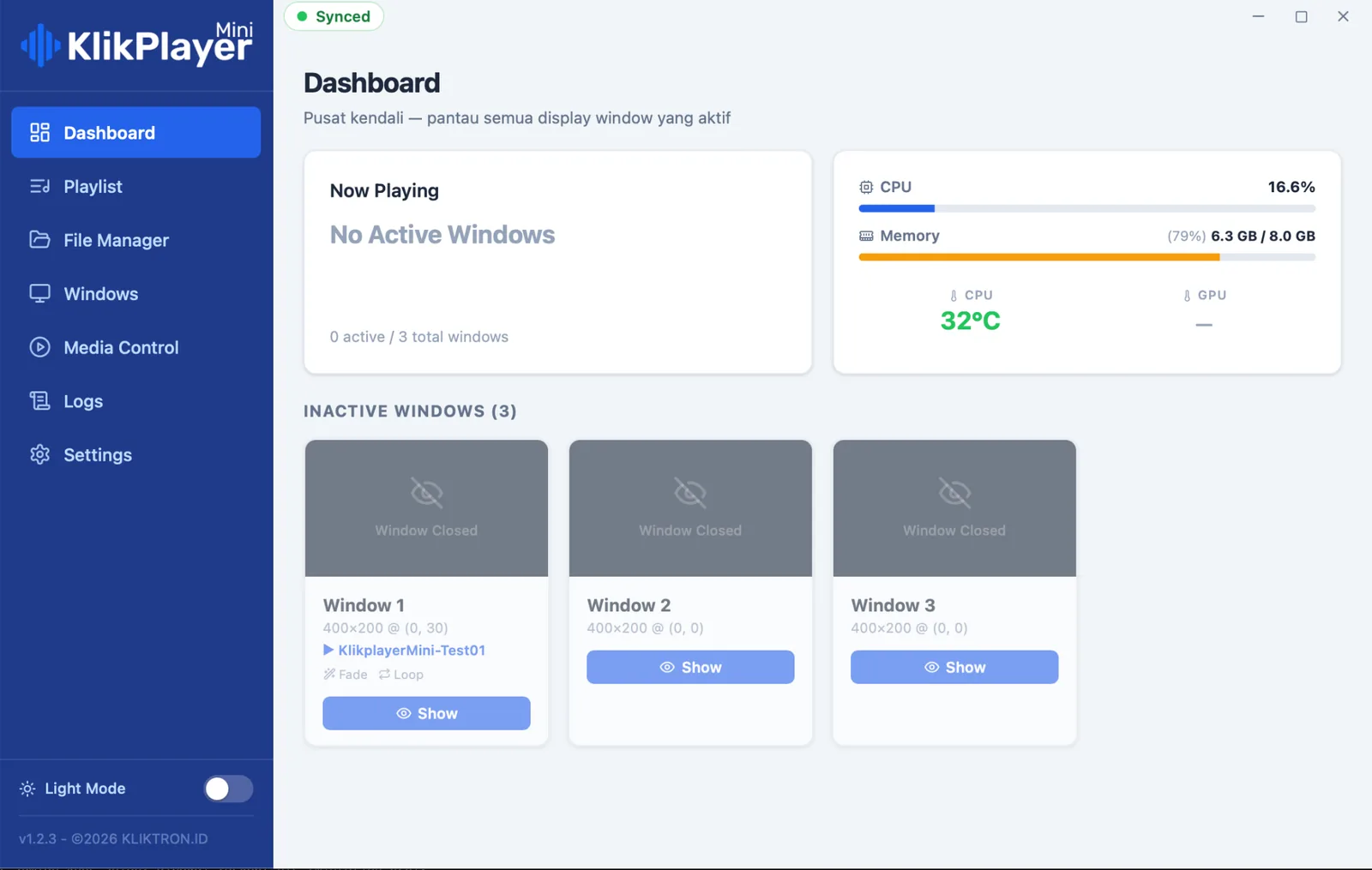
Lobby, lift and tenant screens run on Klikplayer Mini Site: one computer drives several monitors, each with its own playlist, and recovers by itself after a power cut. Klikplayer Mini Cloud changes content on every screen from one office.
- A play log you can export for tenants and sponsors
- Idle airtime can be sold in the network
Activations in the atrium
Photospace turns a screen into a photobooth: guests scan a QR code, their phone becomes the camera, and a branded photo reaches their WhatsApp. Game Interactive LED Screen puts a game on the big screen that visitors play together.
- Nothing to install on the booth laptop or the guest’s phone
- Quoted per event for the LED screen formats
YOUR BRAND
SCAN. SNAP. DONE.Sent to WhatsApp
Three ways to buy a commercial space.
Plays for the smallest step, a project for the bigger screens, an event quote for activations.
See PricingPlays on mall-side points
Buy a Plays package and air on quota points such as Mall Ciputra Cibubur and Blok O Paskal Hyper Square in Bandung. One play is one 15-second airing.
Qüota PlacementProject placement
Atriums, larger mall screens and office-district points are bought as projects, with a minimum quota per point from 100 plays at SCBD Lot 9 up to 450 at Lippo Mall Puri.
Ask for a quoteActivation per event
Photospace LED Screen and Game Interactive LED Screen are quoted per event. Photospace Automation, the software behind the booth, has its own plans.
Photospace LED ScreenYour venue’s screens, earning from idle time.
Most venue screens loop the same house content all day. Connect them to Kliktron and the hours nobody has booked can be sold by the play to brands in the Kliktron® App, with the proof brands expect.
Your own content stays in charge. You decide which screens and which hours are offered, and every sold play shows up in the same record as your house playlist.
- Klikplayer Mini Site on the computer beside the screens
- Klikplayer Mini Cloud for several floors or several malls
- Vertex Player for the videotron on the facade
One master, cut for every shape.
Commercial spaces mix wide, portrait and very tall screens. Build one master and cut it for each point you buy.
Network videotrons
- Master
- 1920 × 1080, MP4, up to 100 MB
- Duration
- 15 to 30 seconds, 90% safe zone
- Portrait points
- For example 500 × 768 at Mall Alam Sutera, 1080 × 1920 at PIK Avenue
- Tall atriums
- 512 × 2048 at Atrium Metropolitan Bekasi
Venue screens
- Player
- Klikplayer Mini Site
- Video
- MP4, H.264 High profile, 8-bit
- Audio
- AAC
- Licence
- One per physical monitor
Activations
- Photospace
- Your colours, logo, background and text, set per event
- Guest result
- Branded photo delivered to WhatsApp
- On site
- Booth laptop, camera and printer supplied by the customer
A log line only when the picture is really on screen.
On videotrons, Vertex Player logs every play with its own timestamp and attaches a CCTV clip where a camera sees the screen. On indoor screens, Klikplayer Mini writes a new log line only when the video is actually showing, never an estimate.
Soca Insight counts footfall from cameras already on site, such as an atrium or an entrance. The video stays on the machine; only the counts become a report.
- CCTV proof needs an RTSP-capable camera that sees the screen
- Counting accuracy depends on angle, lighting and camera quality
Video processed on site. Only the numbers leave.
Questions, answered.
Yes, on quota points. Mall Ciputra Cibubur has a minimum quota of 30 plays, the same as a small street campaign. Atriums and the larger mall screens are bought as projects.
Yes. A brand can air a spot on the mall screen while a Photospace booth or an LED game runs in the atrium. The team scopes both in one plan.
To sell airtime in the network with proof of play, the screen needs Kliktron’s player: Klikplayer Mini Site for indoor monitors or Vertex Player for videotrons. Your house content can run on it too.
Klikplayer Mini keeps its last state on the machine. When the power returns, it boots and plays again without an operator.
Where a camera covers the area, Soca Insight counts people and reports the numbers. Video is processed on site and never uploaded.
Keep exploring, related pages.
Commercial SpacesScreens for malls, venues and public buildings: self-recovering players, tenant play logs and counted footfall.Klikplayer Mini SiteIndoor screens that switch themselves back on, with a play log you can hand to a tenant. Photospace AutomationA web photobooth with nothing to install. Guests scan, snap and take the branded photo home on WhatsApp.
 Game Interactive LED ScreenCrowd games on an LED screen. Players join from their phone, scores run live on the big screen, the brand runs the prizes.

Let’s make it Broadplay,
Anyone,
Anywhere,
Anytime.
Air in front of shoppers and office crowds, or turn your venue’s screens into a source of revenue.