 ®
Start small, one screen at a time.
Pick a videotron near your outlet, buy thirty plays in the Klik App, upload a 15-second clip and watch the proof arrive on your phone. No sales call, no yearly contract.
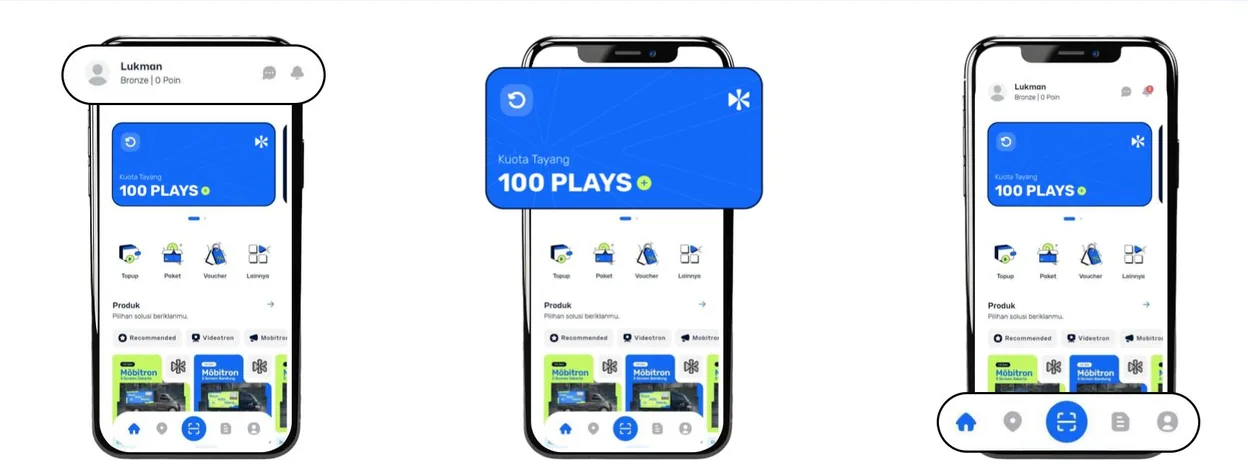
Big-screen advertising, without the big minimum.
Made for the shop, the brand and the person starting out.
Renting a videotron the usual way means hundreds of spots before you can test one idea, and a photo afterwards as the only proof that it aired.
The Klik App sells the same screens by the play. Thirty plays are enough to see your creative on a real screen, in a real street, before you spend more.
- Small and medium businesses promoting an outlet
- Local brands testing a creative or a city
- Individuals with a message, an event or a greeting
- Small agencies trying a location for a client
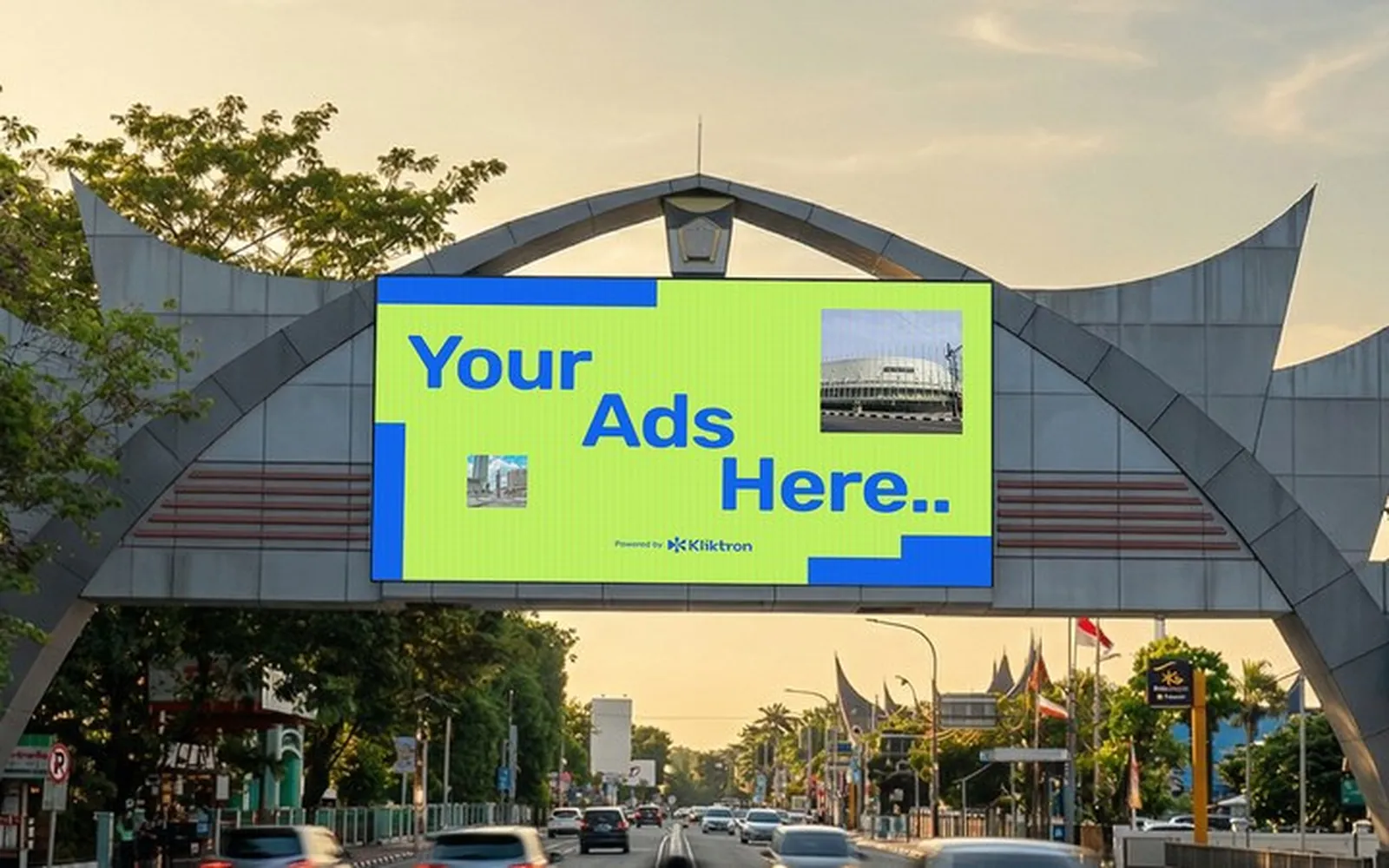
Six steps, all from your phone.
Sign in with your phone number, verify your account once, and the rest happens in the app.
- 01
Choose a point Klik App
Find the screens near your outlet on the map or the list, and check their tier and format.
- 02
Buy thirty plays Klik App
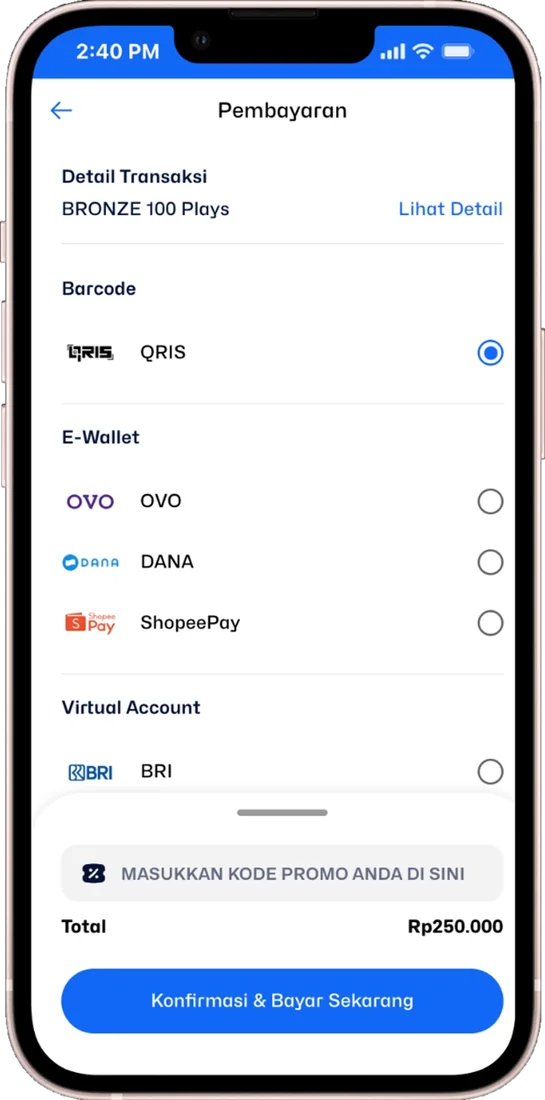
Top up your Plays balance and pay by QRIS, e-wallet or virtual account. The balance is active from the day you buy it.
- 03
Upload a 15-second clip Klik App
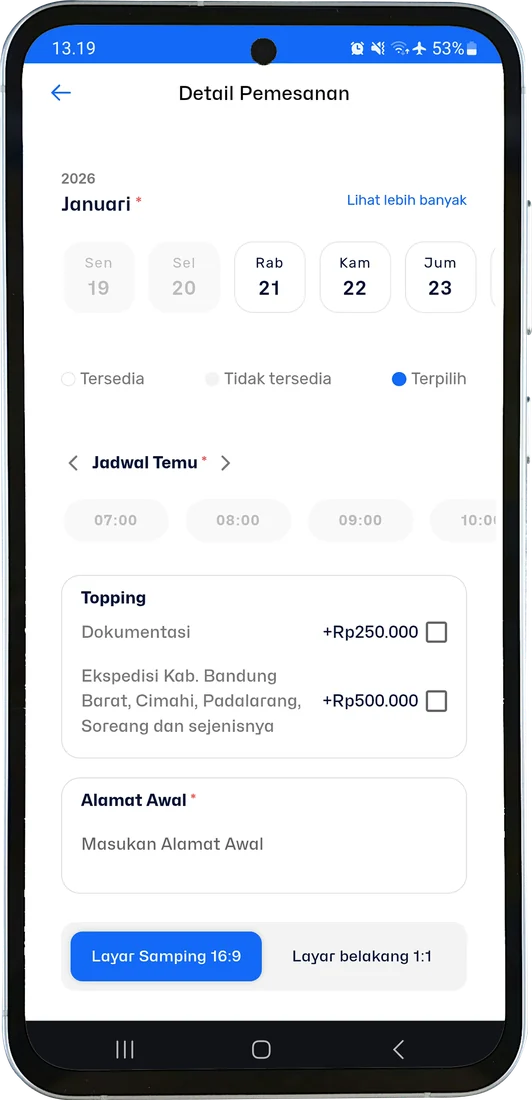
Pick the dates, Exclusive or Sharing, and upload your clip. Check the preview before you confirm.
- 04
Pass QC Same day
The screen team reviews your clip before anything airs, usually on the same day.
- 05
Air Vertex Player
The player beside the screen airs your plays on schedule, and keeps airing if the internet drops.
- 06
See the proof Klik App
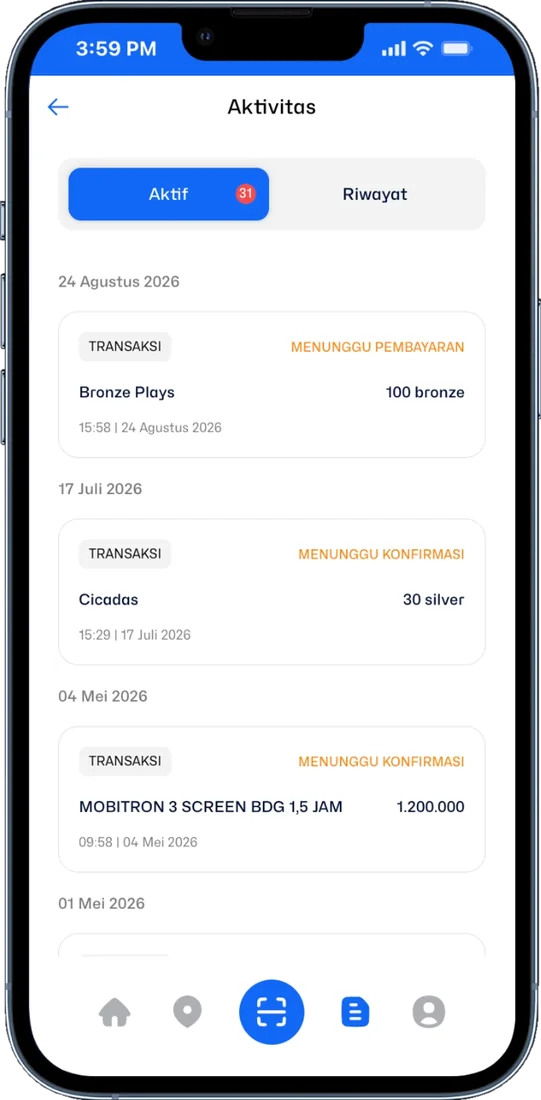
Every play is logged with its time, and the record waits for you in the Activity tab.
What you see in the app.
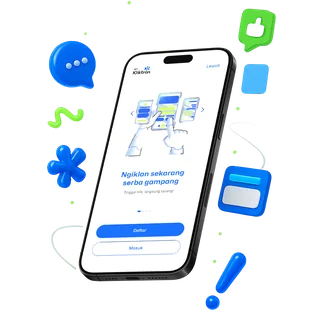
The Kliktron® App runs on Android and iOS, or straight from the browser as a web app.
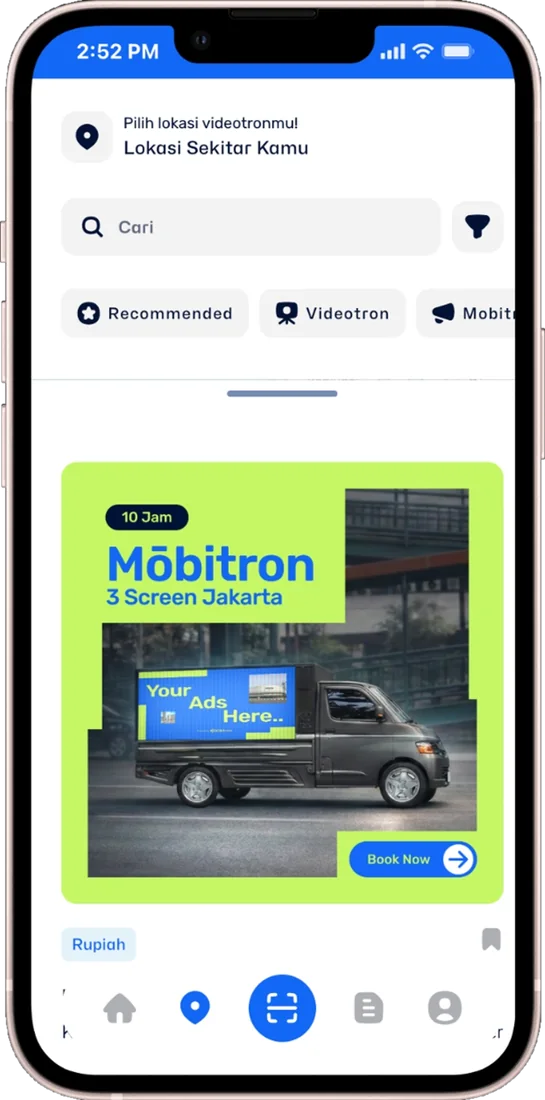
Screens near you
Search by city or let the app find the closest points. Each point shows its tier and what it offers.
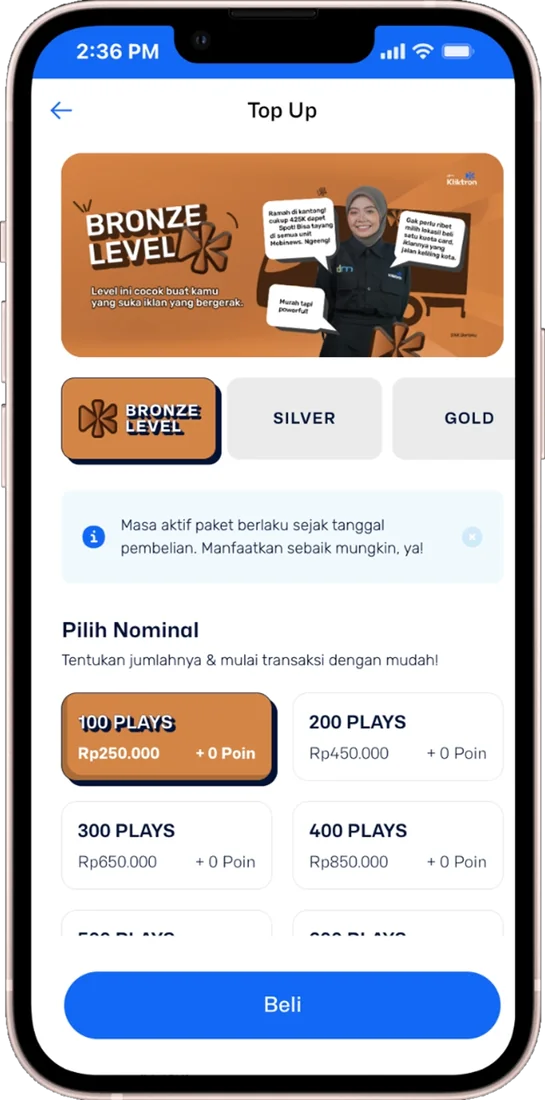
Plays packages
Start with thirty plays. Larger packages suit longer runs or more than one point.
Pay your way
QRIS, e-wallets or a virtual account, with vouchers applied at checkout.
Upload and schedule
Choose the days and the slot type, upload the clip and check it before you confirm the order.
Orders and proof
Active and past orders, invoices and the record of every play in one tab.
Proof, not a promise.
-
Every play on record
The player logs each airing with its timestamp. You do not have to ask anyone for a report.
Campaign reportSilver · Bandung120/120plays verified- BDG · CicadasCCTV
- BDG · SudirmanCCTV
- BDG · PaskalCCTV
-
Made good if missed
If a play cannot air, it is made good the next day or returned to your balance.
-
A counted audience
Where a camera stands at the point, the people and vehicles that pass are counted, not guessed.
Soca InsightSession 07:00 to 19:00People18,240Vehicles12,172Peak / frame46Video processed on site. Only the numbers leave.
-
Room to grow
Add a second screen, another city or a Mōbitron day to the same account when the first test works.
Before you book, three things to know.
- Sign in with your phone number and a one-time code
- Verify your account once with a photo of your ID before your first booking
- Creative: 1920 × 1080, MP4, up to 100 MB, key content inside a 90% safe zone
- Every clip passes QC before it airs
- Slots follow availability at the point you choose
- The app needs an internet connection while you use it
Package prices are on the Pricing page and exclude 11% VAT. Kliktron does not produce the creative for you.
Questions before your first play.
One 15-second airing of your clip on the screen you chose. Thirty plays means your clip airs thirty times.
Exclusive airs your ad on its own in the slot. Sharing rotates it with other ads in the same slot, which costs less.
It does not air. Check the creative specification before you upload, and if you are unsure, ask the team on WhatsApp first.
No. You buy a Plays package in the app and use it on the screens you choose. There is no yearly commitment.
Yes. The app lists points in 25 cities, and you can spread plays over several points and days.
Keep exploring, related pages.
 Kliktron® AppThe market buys airtime from a phone: pick a point, buy Plays, upload, and see the proof.
 Qüota PlacementAirtime on the videotrons and signage Kliktron manages, bought by the play, with proof included.
 One Play JourneyFollow a 15-second spot from the phone where it is ordered to the counted audience.
 PricingEvery published price, in rupiah or US dollars, straight from the price book.

Let’s make it Broadplay,
Anyone,
Anywhere,
Anytime.
Open the Klik App, pick a screen near you and put your creative on air this week.