 ®
Content drifts
Each store runs a different version, updated whenever someone remembers.
For chains with many stores: push content to every screen from one office, keep play logs your suppliers can check, count who walks in, and use the videotrons near your outlets to send traffic through the door.
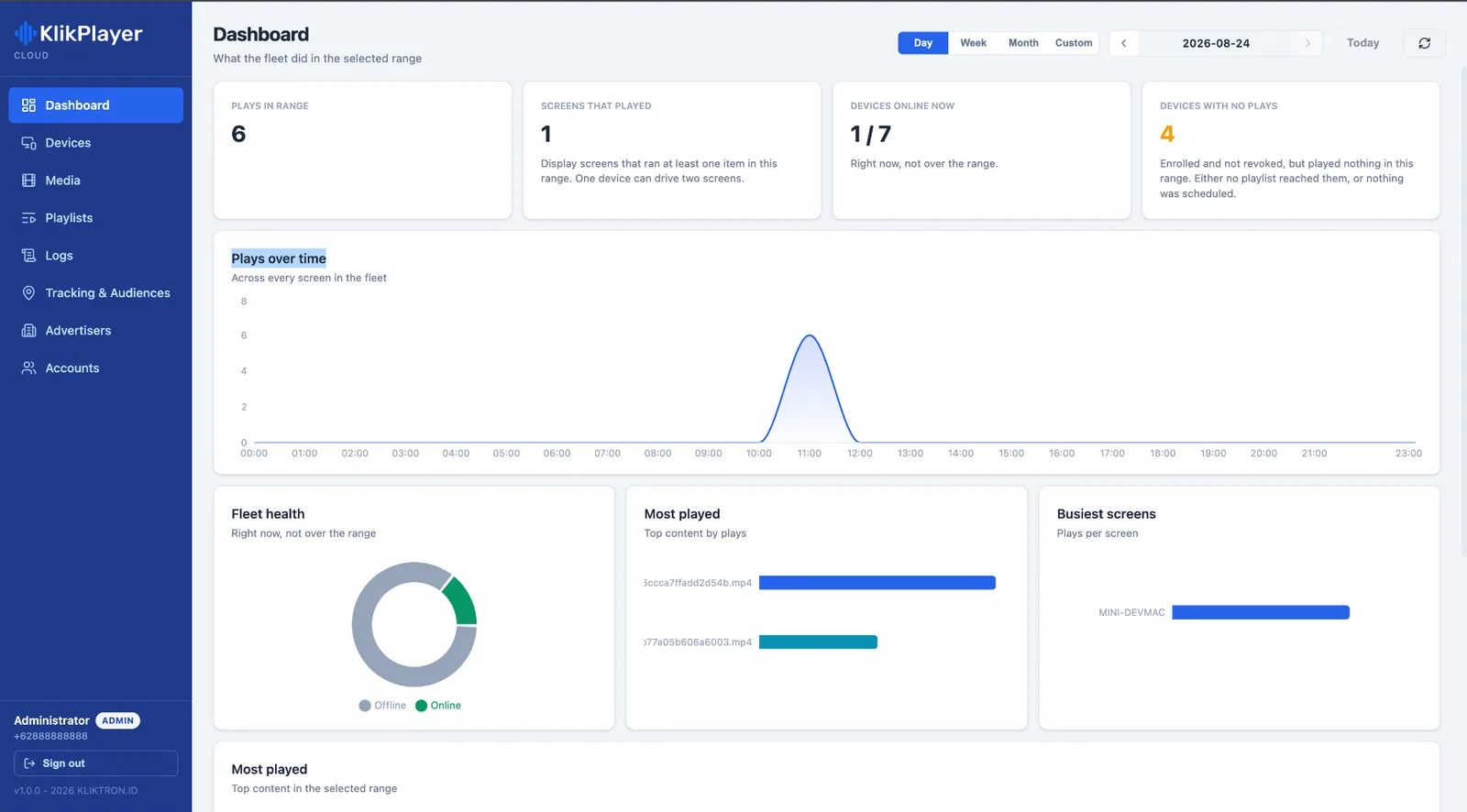
Head office plans the campaign. What each store actually shows, and who saw it, is anyone’s guess.
Each store runs a different version, updated whenever someone remembers.
A supplier funds a promotion on your screens, and you cannot show it ran.
Sales are measured to the rupiah. The traffic that produced them is not.
The videotron outside your outlet sells to whoever books it first.
One console for content, one record for every play, and a number for the door.
Klikplayer Mini Cloud keeps the media library in one place. Build a playlist once, push it to every store or only to a region, and see which devices are online.
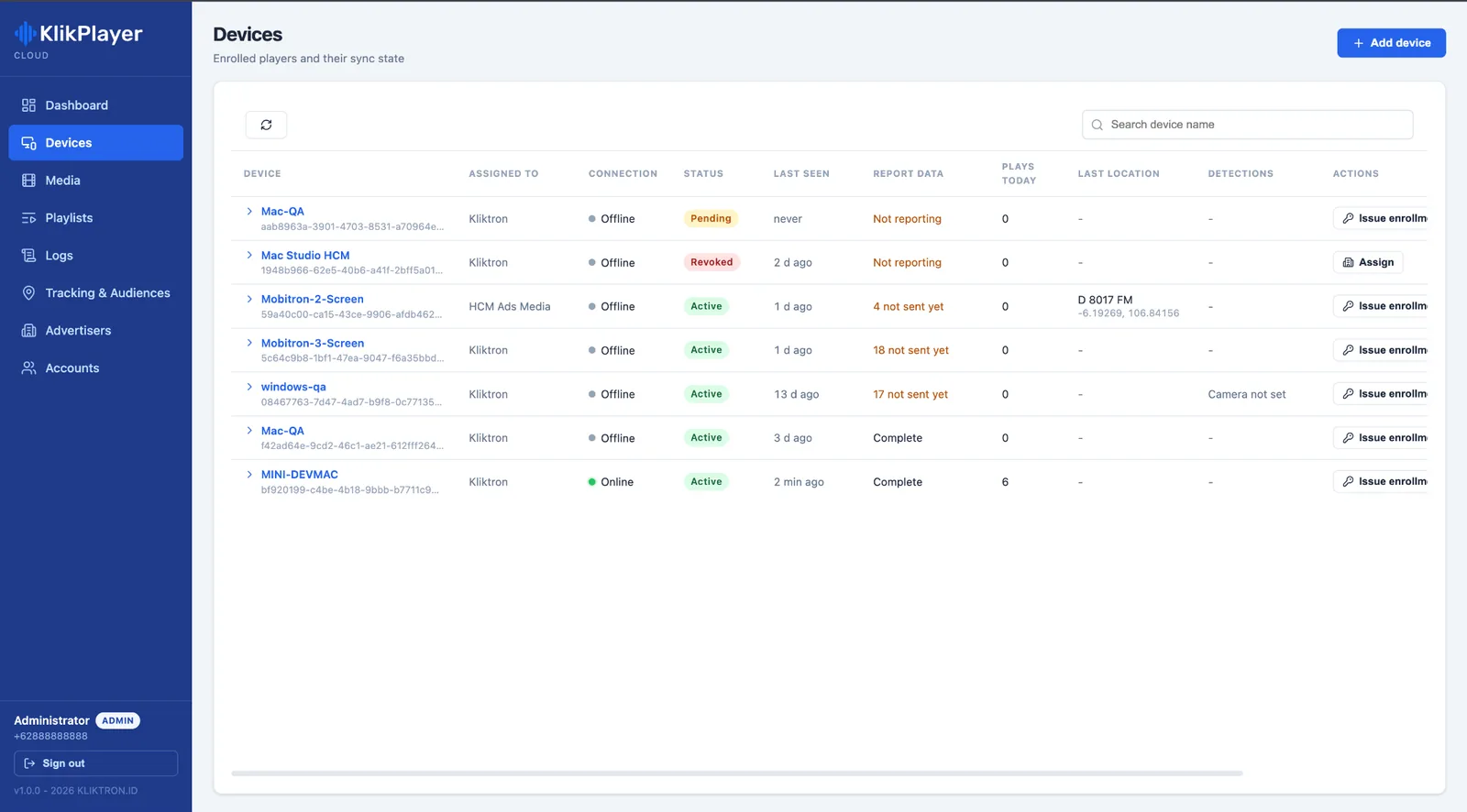
In each store Klikplayer Mini Site drives several monitors from one computer, each with its own playlist, and comes back by itself after a power cut. No one on the floor has to restart it.
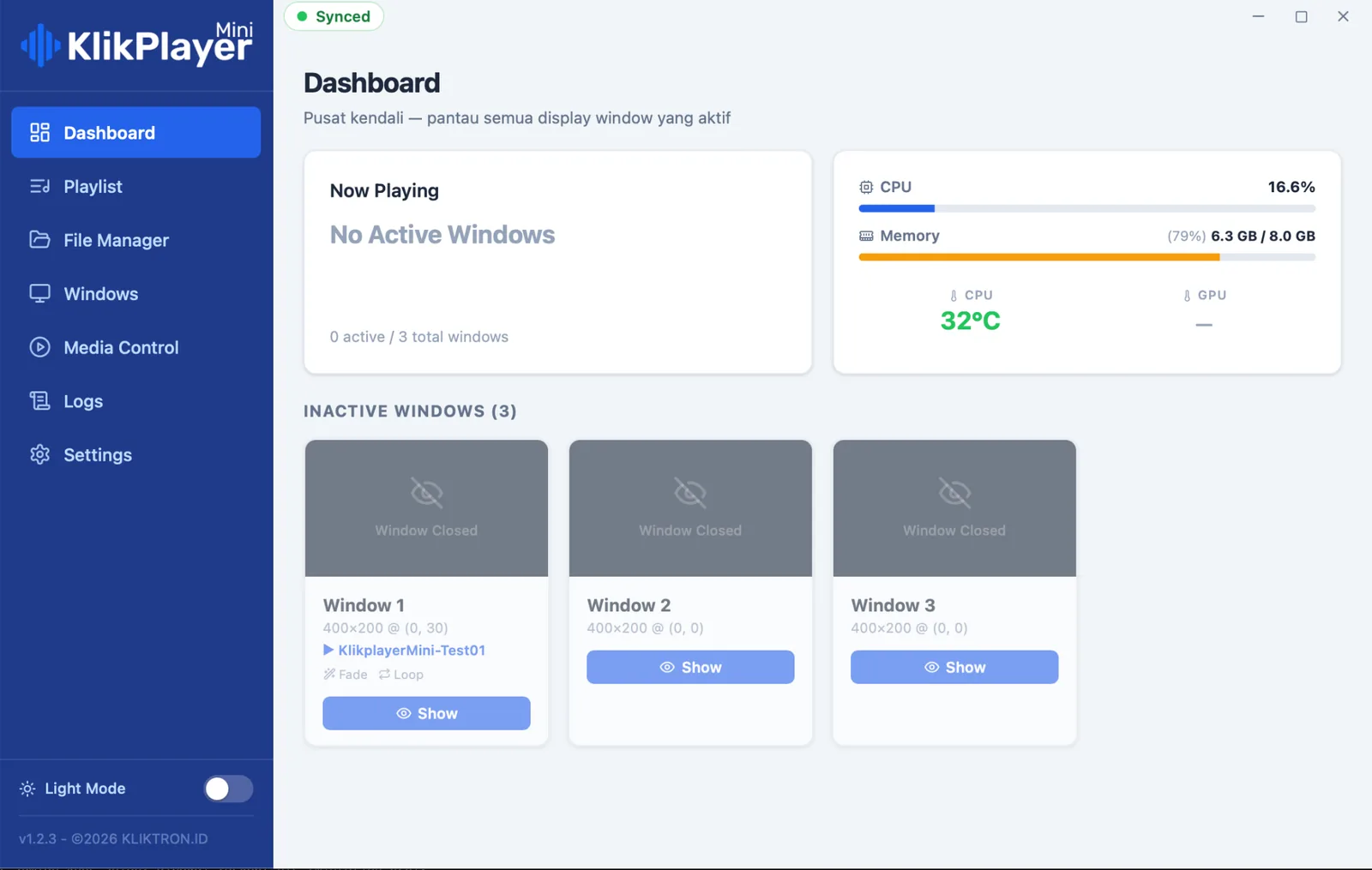
Each play is logged when it is actually on the screen. Export the log per brand, store and period, and co-marketing funds come with a record instead of a promise.
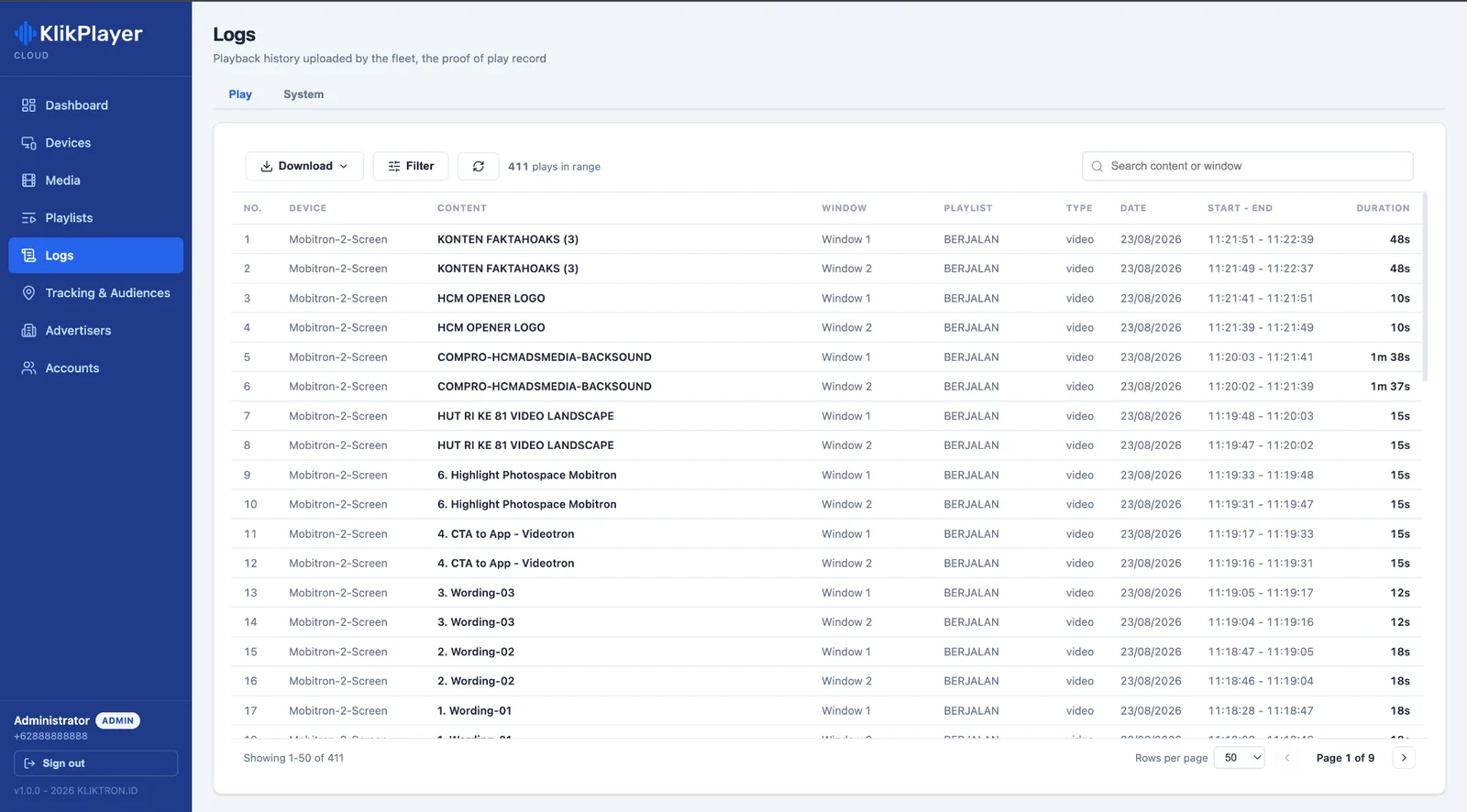
A camera near the door feeds Soca Insight, which counts the people who walk past and in. The video stays in the store; the counts join your reports per outlet and per period.
Video processed on site. Only the numbers leave.
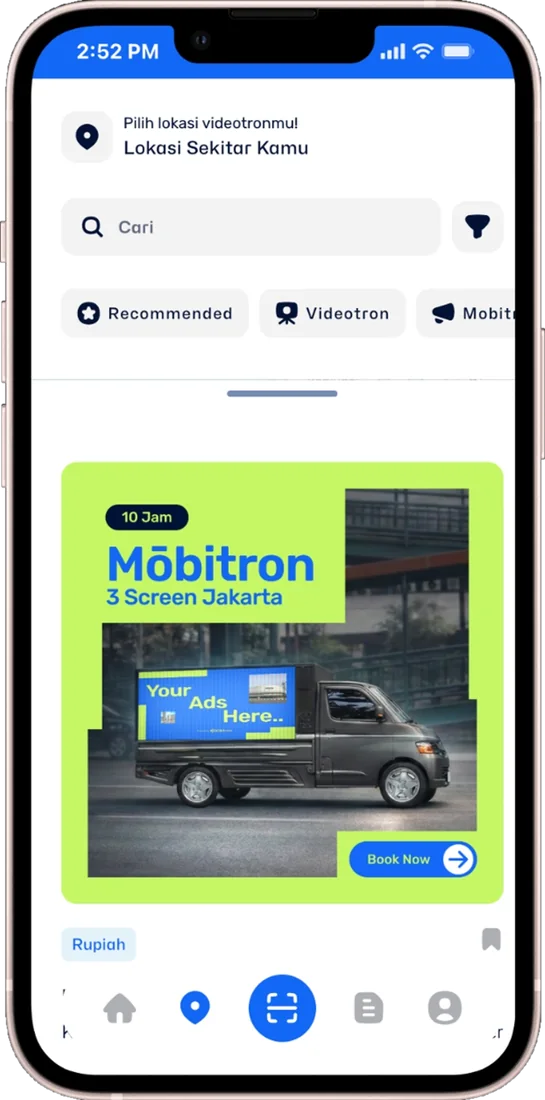
Qüota Placement lets you book the videotrons near your outlets by the play. Pick the points in the Klik App, air a 15-second spot that points to the store, and see each play verified.

One console for media, playlists, device status and logs across every store.
Explore Mini Cloud
The in-store player: several monitors, own playlists, recovery after power cuts.
Explore Mini Site
Counts people at the entrance from your own camera, with the video kept in the store.
Explore On-Premise
Footfall from many outlets in one report, per device and per period.
Explore Soca Cloud
Airtime on the videotrons near your stores, bought by the play.
Explore Qüota Placement
Book outdoor plays and check their proof from a phone.
Explore Kliktron® AppYour screens stand where the buying decision is made. Suppliers and brands already fund promotions in your stores; a screen with a verifiable play log lets them fund airtime too.
Sell slots per store, per region or chain-wide, give each brand its own view of its plays, and add the counted footfall of the outlet to the report.
Prove it where it is easiest to measure, then roll it out from the same console.
See the cloud console, play logs and entrance counting on live data.
Thirty days in one store or with one camera, with the measures of success agreed at the start.
Stores join Klikplayer Mini Cloud one region at a time, with players and cameras installed per outlet.
Head office learns playlists and exports; store staff learn what to check when a screen looks wrong.
Once logs and counts run cleanly, open the screens to supplier campaigns, and add nearby videotrons when you want more traffic.
Counting accuracy depends on camera angle, lighting and camera quality. Prices are on the Pricing page and exclude 11% VAT. SLA follows the contract agreement.
Yes. Playlists are pushed to the devices you choose, so a region, a store format or a single outlet can run its own content.
The screens keep playing from the local copy. Logs wait on the computer and upload when the line returns, without duplicates.
Yes. A brand account sees only its own media, playlists and logs, and you can export the record per store and period.
No. The video is processed on the machine in the store and never uploaded. Only the counts leave the store.
Pick the points in the Klik App and buy plays, or send us your outlet list and we plan the mix through Kliktron® Media Buying.
Commercial SpacesScreens for malls, venues and public buildings: self-recovering players, tenant play logs and counted footfall.Brand & AgencyPlan across cities, buy by the play, and report with verified plays and a counted audience.Klikplayer Mini CloudChange content on many indoor screens from one office, then pull back the proof of play.Commercial SpaceMall facades, atriums and office districts: videotrons, indoor screens and on-site activations.
See central content, supplier play logs and entrance counting on live data in a 30-minute demo.