 ®
Per-device licences
Each machine is activated with its own key pair and an Ed25519-signed licence, with a grace period when it is offline.
What runs under every solution, in plain words: desktop apps at the screen, cloud web apps for the team, one protocol between them, and one core that keeps identity, prices, licences and play records.
One group sells, one runs the screens, one measures, and two support the rest, all on the same engine. Adding a product never means adding a system.
Five ideas explain how the system behaves in the field.
Vertex Player and Klikplayer Mini Site are desktop applications built in Rust on Tauri, with a React interface. They run on the computer that drives the screen and talk to the operating system directly, so video decoding stays hardware-accelerated.
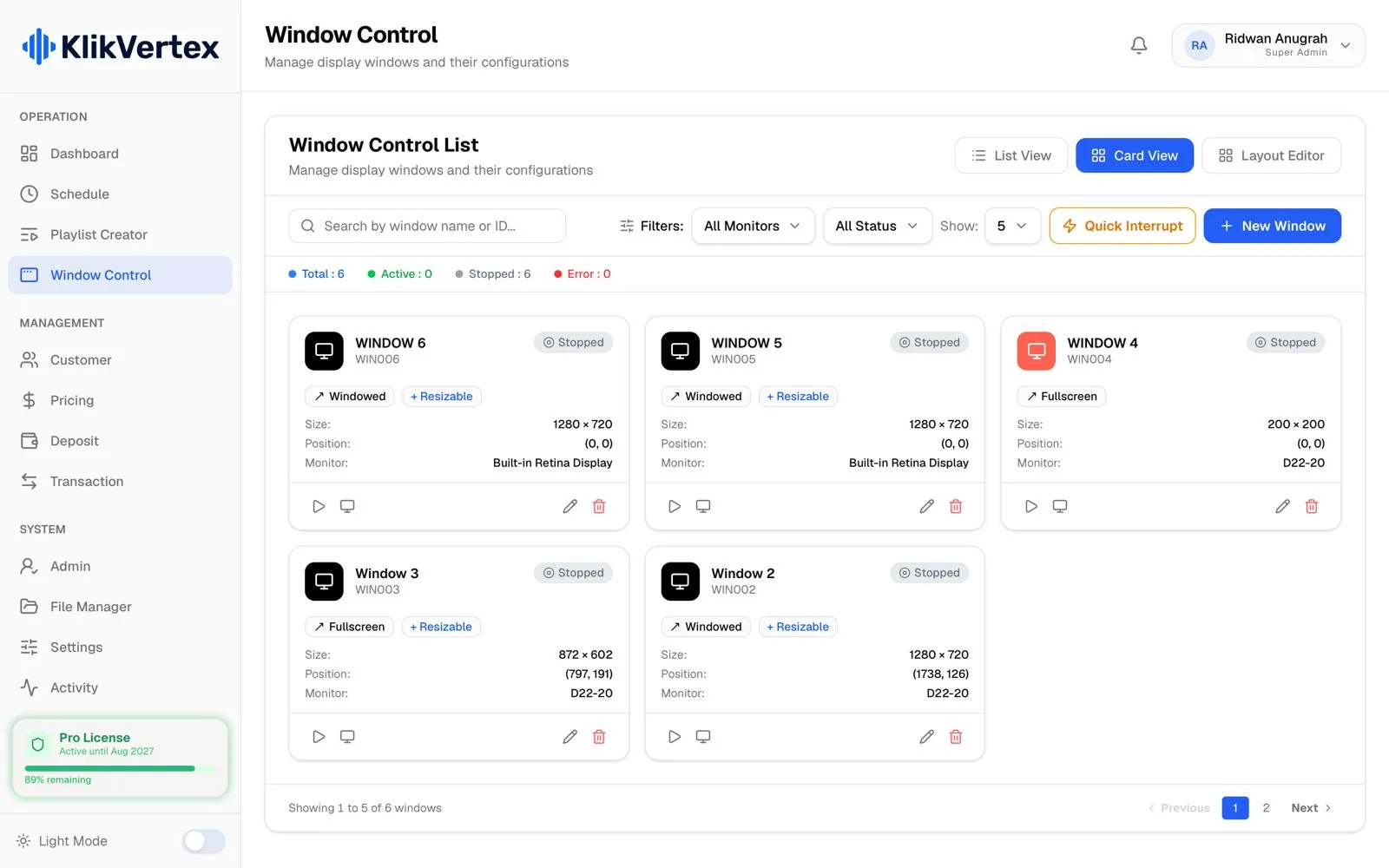
Schedule, customers, rates, balance and play logs live in a database on the machine: SurrealDB in Vertex Player, SQLite in Klikplayer Mini Site. The cloud adds reach; it is never a condition for airing. Logs wait on disk and sync when the line returns, without duplicates.
Schedule, rates and balance live on the machine at the site.
The team works in the browser: Vertex Monitoring for the fleet, Klikplayer Mini Cloud for indoor networks, Soca Insight Cloud for audience reports, Kliktrack Cloud for vehicles, Photospace for activations, and the Kliktron® App as a web app for advertisers.
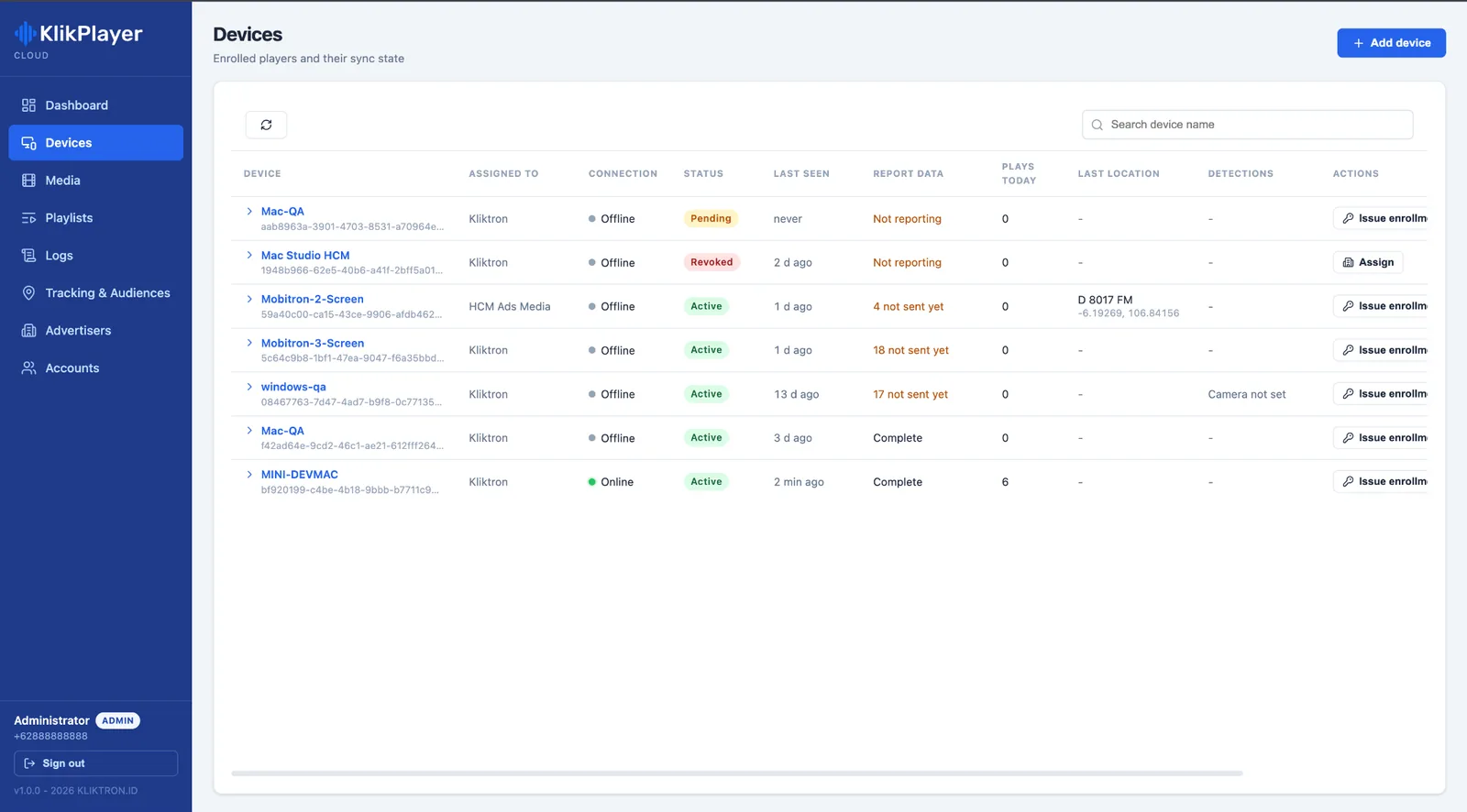
Commands from the cloud, such as a slot check from the Klik App, travel over NATS as the Kliktron Protocol. Telemetry runs on a separate path: heartbeat, content freshness and a preview go to Vertex Monitoring, so monitoring never interferes with playback. The cloud receives; it never opens a connection to a device in the field.
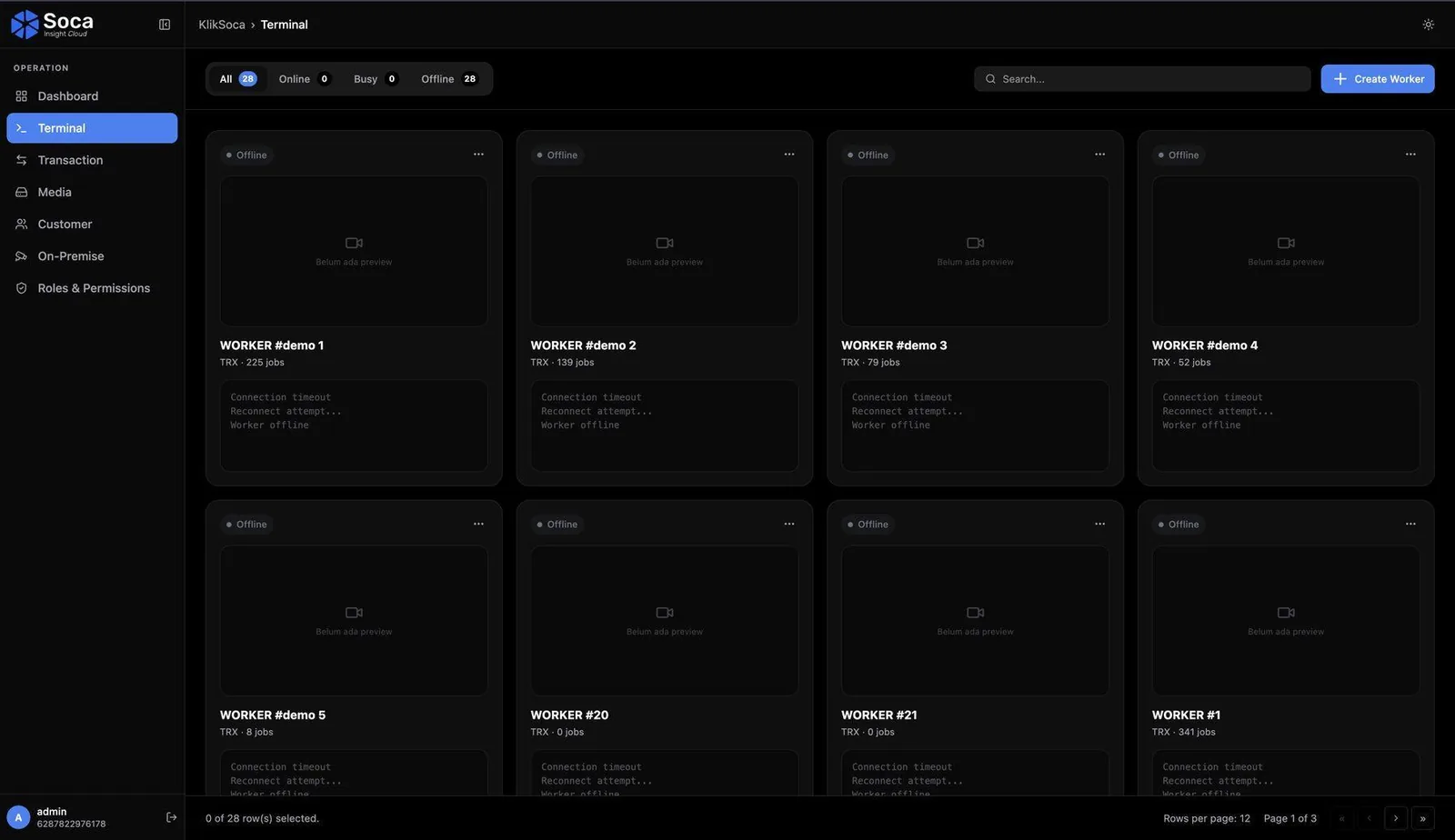
Soca Insight On-Premise runs person and vehicle detection on a Mac at the location. The video never leaves that machine; only the counts sync to Soca Insight Cloud. For heavier work, Soca Insight Cloud spreads detection jobs over a network of partner GPU machines.
Each machine is activated with its own key pair and an Ed25519-signed licence, with a grace period when it is offline.
No passwords to leak: a code arrives on WhatsApp or SMS, with rate limits and lockout against guessing.

Who may approve, price or only operate is decided by role and checked on every request.
On a shared screen each advertiser sees its own campaigns and money; other tenants’ details are masked at the database.
Kliktron supplies the software and the licences. The equipment below stays yours.
Connect the data to your NOC, ERP or reporting stack where the plan includes it.

API access from the Scale tier; NOC integration on Enterprise.
See the tiers
API access from the Scale tier; integration with your systems on Enterprise.
See the tiers
API access from the Large tier; custom integration on Enterprise.
See the tiersIntegration scope and SLA follow the contract agreement.
No. Players air from their local database. The internet is needed for activation, sync, remote control and the dashboards.
On the machine at the site. Audience counting sends numbers, not video. A proof-of-play clip is sealed to the play log on the player.
Devices push telemetry to the cloud; the cloud never connects to them. The dashboard is passive: it shows status and does not send alert messages.
Klikplayer Mini Site runs on Windows 10 or 11 and macOS; Soca Insight On-Premise on macOS with Apple Silicon; Kliktrack Desktop on macOS and Windows; Kliktrack Mobile on Android and iOS. The cloud apps run in a current browser.
Read the AOS architecture page, then ask for a session with the team through investor relations on the contact page.
 AOS ArchitectureLayers, core, data flow and integrations of the Advertising Operating System, in depth.How it WorksThe Advertising Operating System (AOS) behind every play, stage by stage.LicensingHow software licences work: units, billing, activation, transfers, trials and expiry.
 Vertex PlayerThe CMS and player beside every videotron. It keeps airing when the internet drops.

Walk through the stack with our technical team, or talk to us about partnership and investment.