 ®

Commercial Space
Malls
Directory, tenant and sponsor screens across floors, with a log to show each tenant what aired.

Indoor screens that switch themselves back on.
A desktop player for the computer behind your indoor screens. One machine drives several monitors, each with its own playlist, and records the time every item really played.
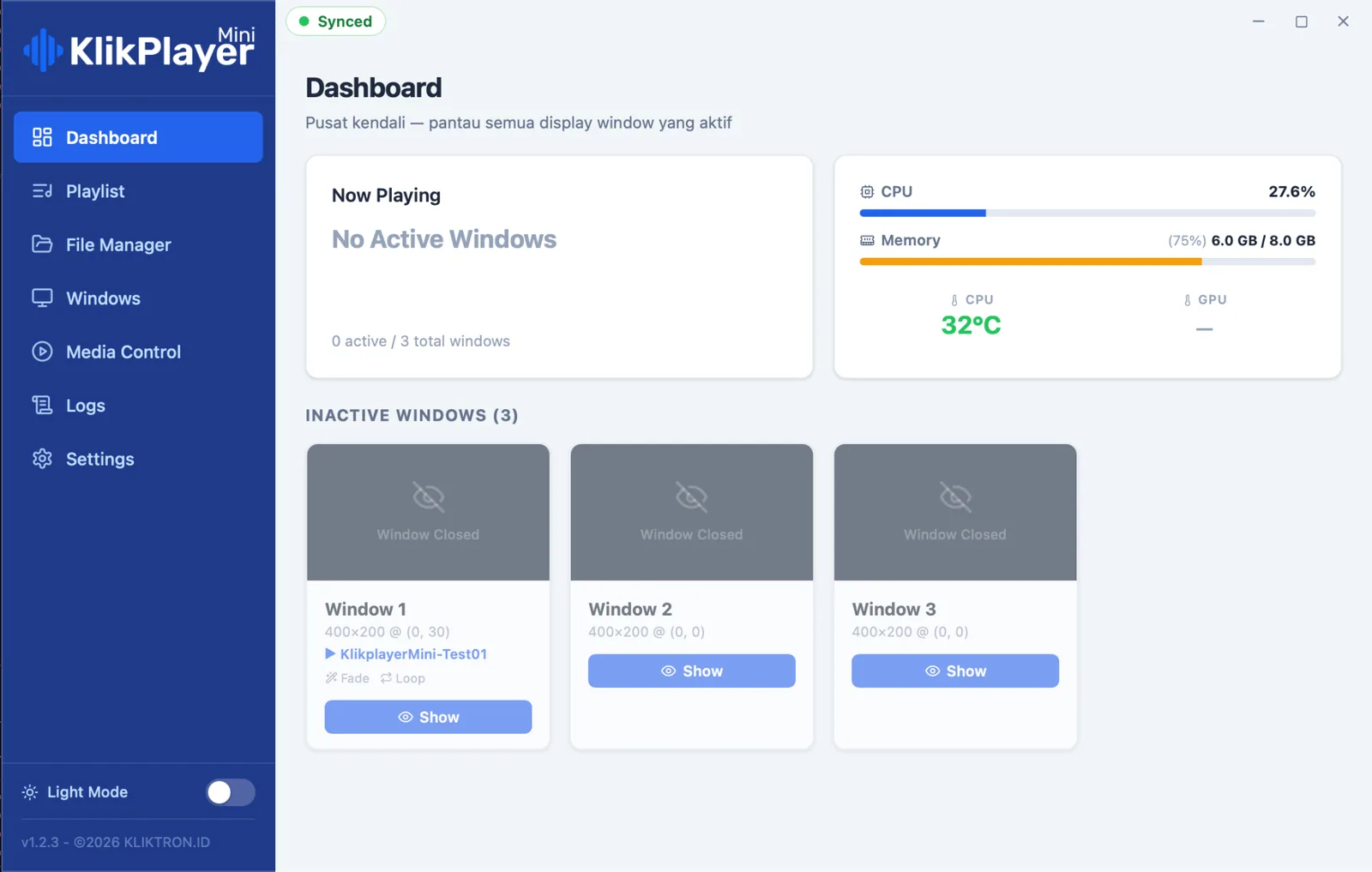
Each monitor gets its own window, size, position and playlist. They run side by side without getting in each other’s way.
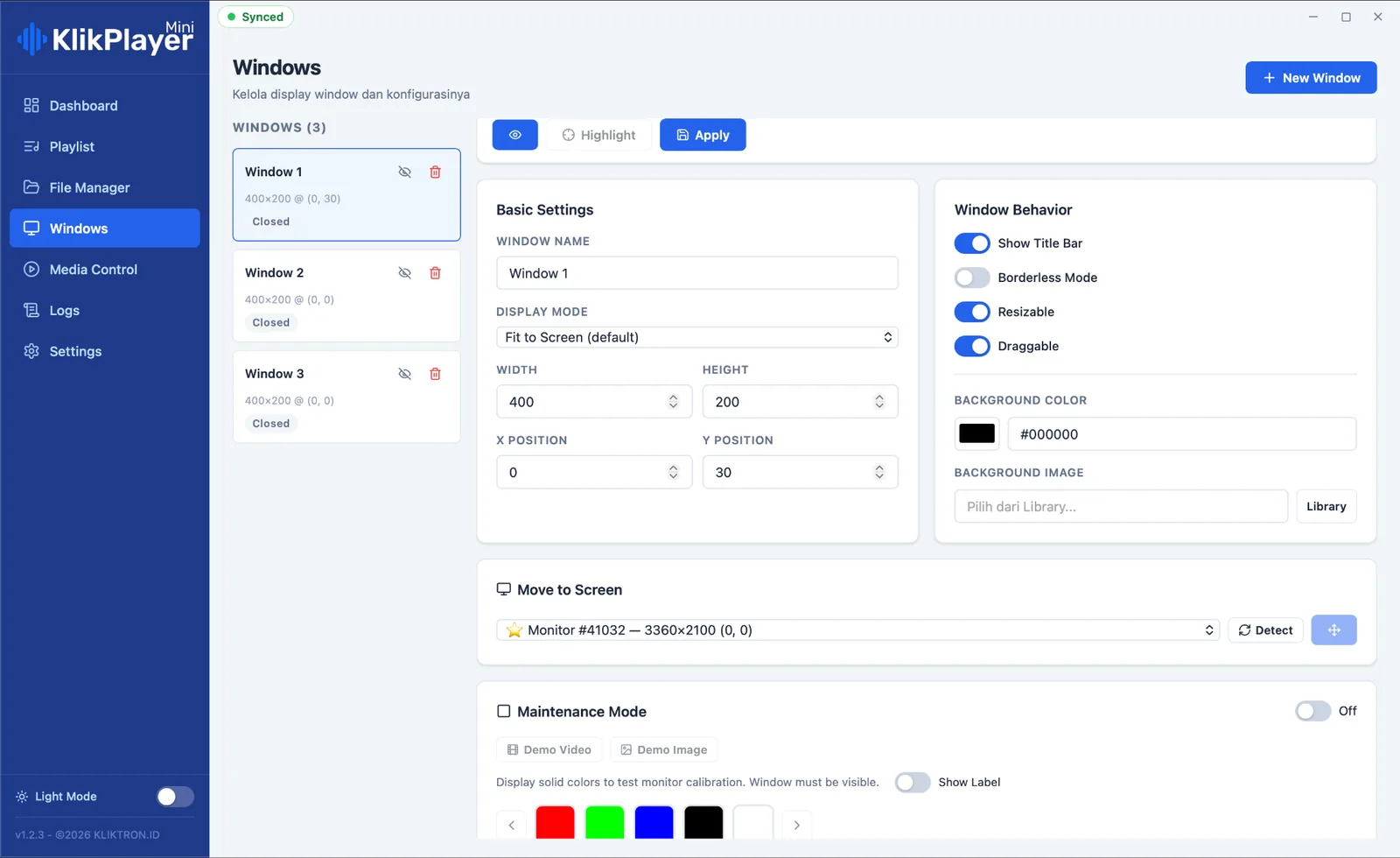
When the power returns, the machine boots, opens its windows and resumes the last playlist. Nobody has to be there.
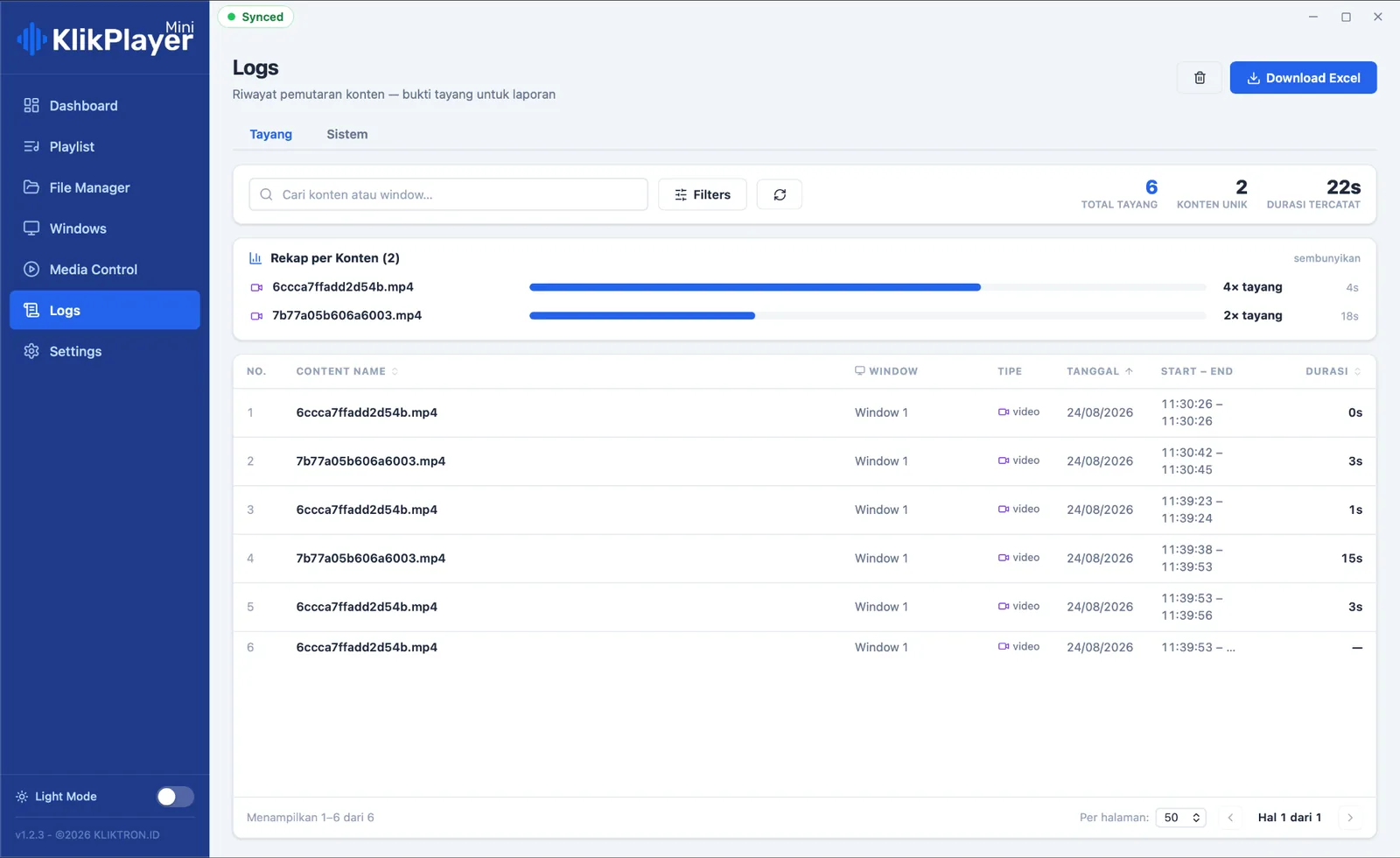
A play is written only when the picture is actually on the screen. Export it to Excel for a tenant or sponsor audit.
Run it alone with no account and no internet, or enrol it in Klikplayer Mini Cloud and manage it from the office.
Map the screens, point it at your media, build the playlists. After that, the player looks after itself.
Create a window per screen, set its width, height and position, and move it to the right monitor with one click. Highlight flashes the target screen so you know you picked the right one.
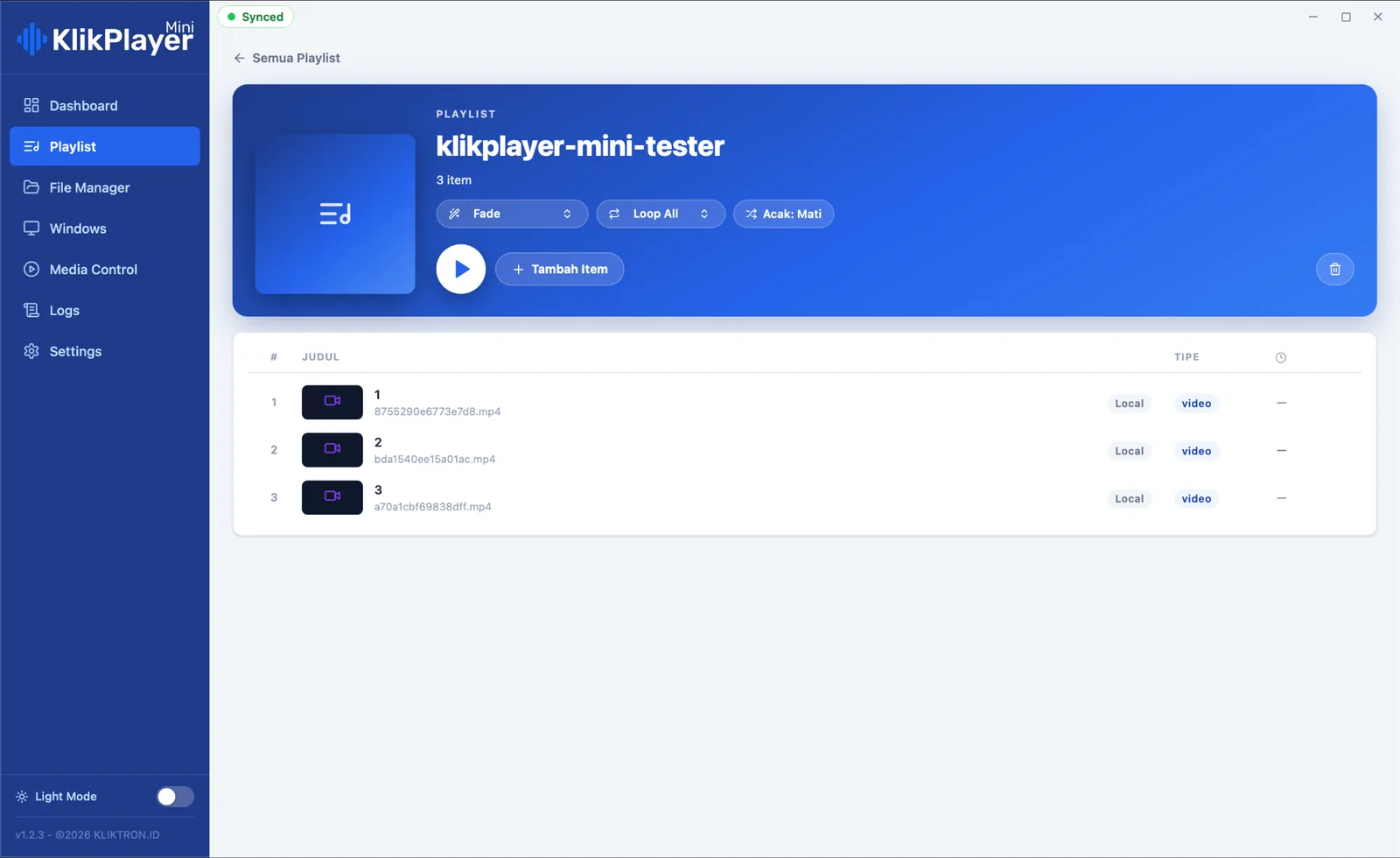
Add media from the folders the player scans, drag items into order, choose the transition, loop and shuffle. Press Play and the playlist goes to its screen.
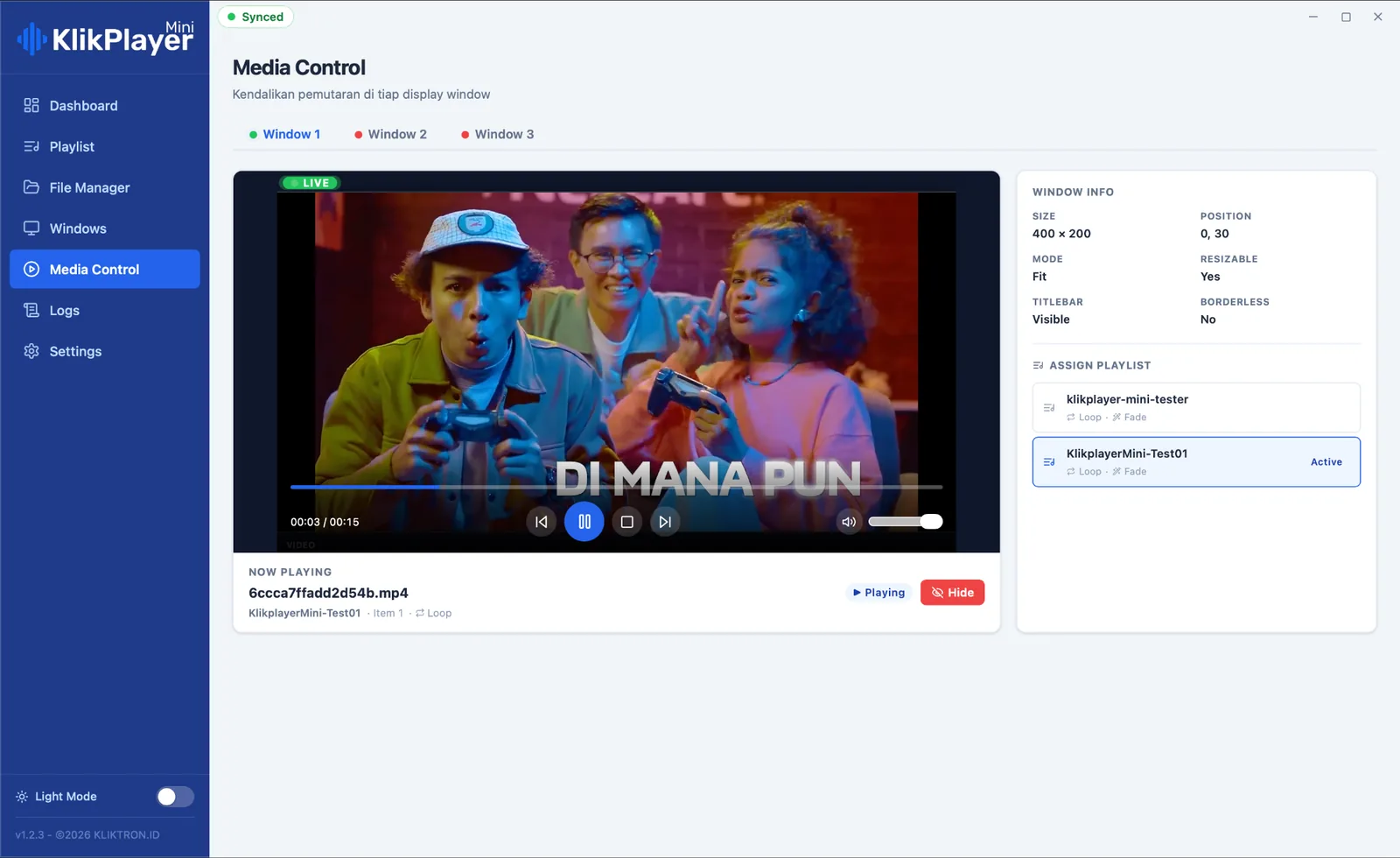
Pick a window and see a live preview of what is on that screen. Pause, skip, change the volume or assign another playlist, and the screen follows at once.
The Play tab lists every item with its window, start, end and true duration, plus a recap per content. The System tab keeps the events of the app itself. Both download as Excel.
When one playlist goes to several windows, the player sets a shared start moment and every screen fires its first frame on it. The next item waits in a hidden slot and swaps in the instant the current one ends, so there is no black frame between spots.
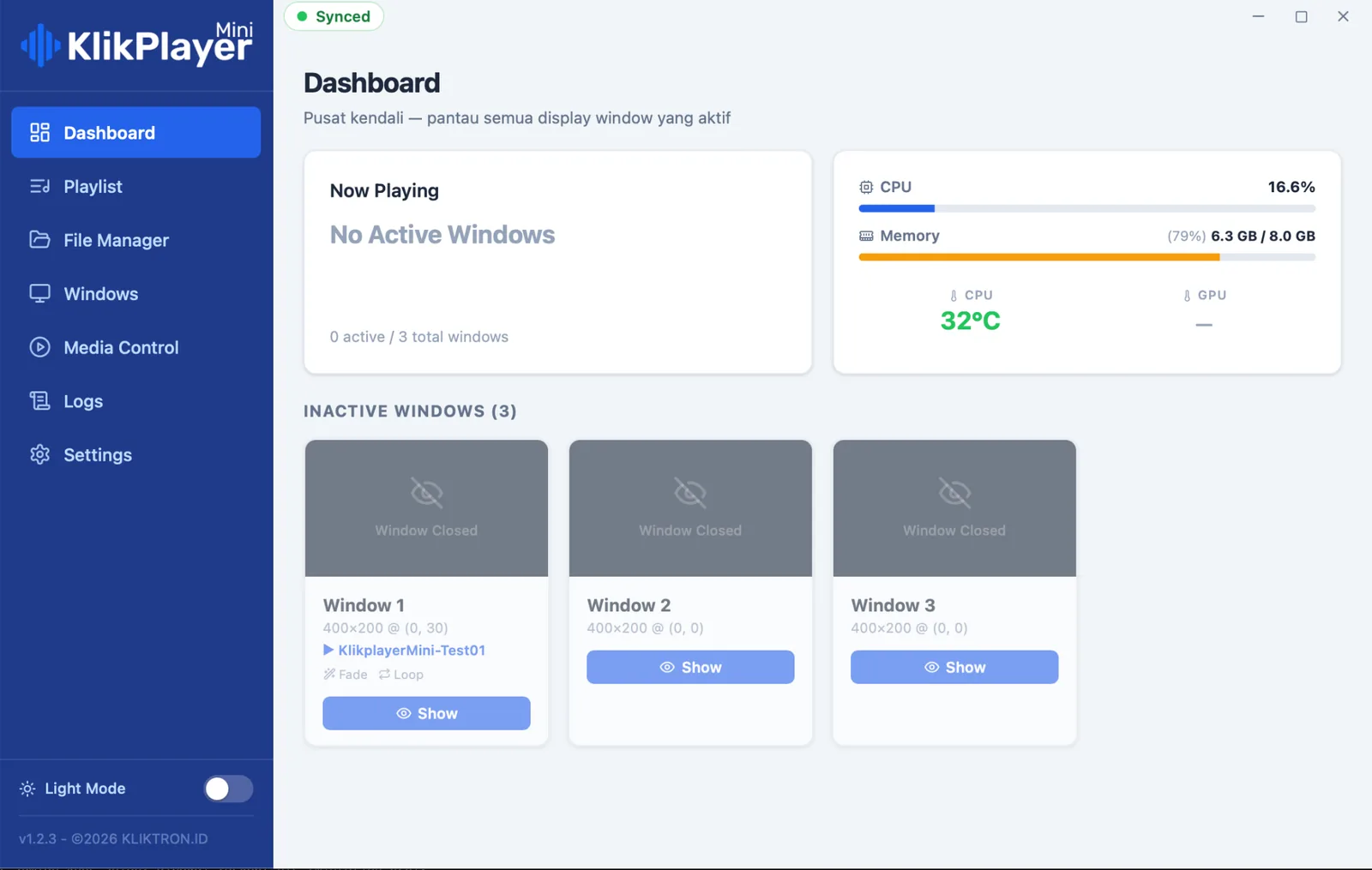
Everything the player needs lives on the computer beside the screens.
Places where a screen sits on a wall for months and nobody is assigned to restart it.
Directory, tenant and sponsor screens across floors, with a log to show each tenant what aired.

The same player in every store, standalone today and connected to the cloud when the chain grows.

Waiting-room screens that come back after a power cut without calling anyone.

Information screens in halls and lobbies, each with its own playlist, from one computer per room.
Pay monthly per screen, or buy a perpetual licence once. One licence covers one display window, which is one physical monitor.
1 to 5 screens
6 to 25 screens
26 to 100 screens
More than 100 screens
| Perpetual licence, SOLO | $250per screen, one-time |
|---|---|
| Perpetual licence, SITE | $194per screen, one-time |
| Perpetual licence, CHAIN | $153per screen, one-time |
The perpetual option is paid once up front and includes updates for the first 12 months. Connection to Klikplayer Mini Cloud is billed separately.
Prices exclude 11% VAT. US dollar prices are converted from rupiah at Rp 18,000 = $1; invoices are issued in rupiah.
Yes. Window layout, playlists and media are read from the computer itself. The internet is only needed if you connect the player to Klikplayer Mini Cloud.
With Run on Startup switched on, the computer starts the player as it boots. The player reads its last state, finds the assigned playlists, checks the files and reopens each window by itself.
The log records what was actually on screen. If an item is paused, interrupted or closed, only the seconds it was visible are counted. That is what makes the log fair to use for an audit.
One licence covers one display window, which is one physical monitor. A computer that drives three monitors needs three licences.
MP4 with H.264 video (High profile, yuv420p, 8-bit) and AAC audio. Keep files at a sensible size, up to 1080p, so the hardware decoder stays cool.
Klikplayer Mini CloudChange content on many indoor screens from one office, then pull back the proof of play.Commercial SpacesScreens for malls, venues and public buildings: self-recovering players, tenant play logs and counted footfall.RetailIn-store screens that sell and measure: central content, supplier play logs and counted footfall.Hospitality Public SpaceHotels, campuses, clinics and public halls: indoor screens for audiences that wait a while.
See one computer run several screens, and recover from a power cut, in a 30-minute demo.