 ®
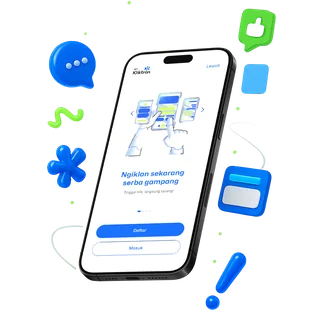
A one-time code to sign in
Register with your name and phone number. Each sign-in is confirmed with a one-time code, so there is no password to forget.
Put your brand on a videotron, straight from your phone.
Pick the point, set the schedule, upload the creative. No sales call and no yearly contract. Your Plays balance is active from the day you buy it.
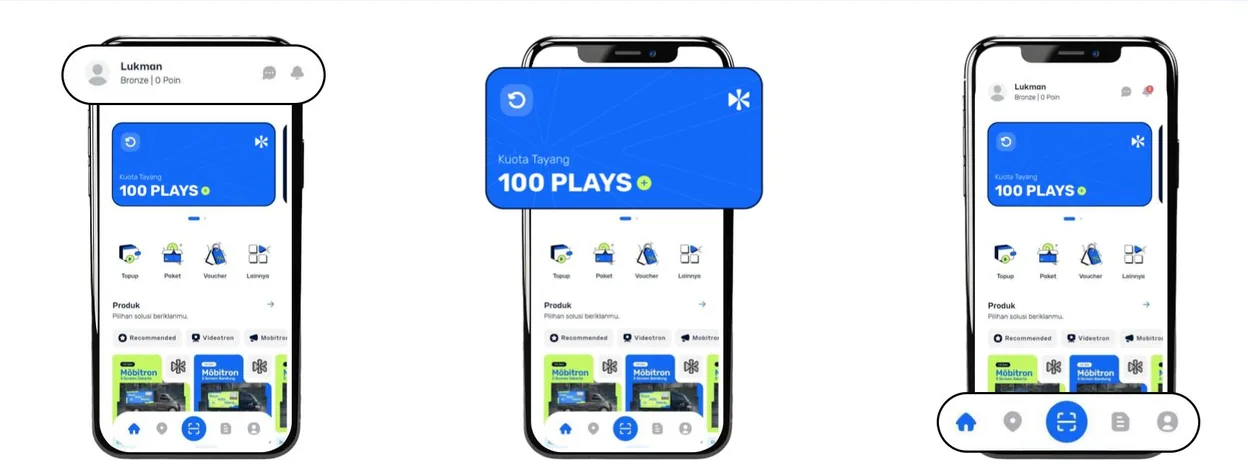
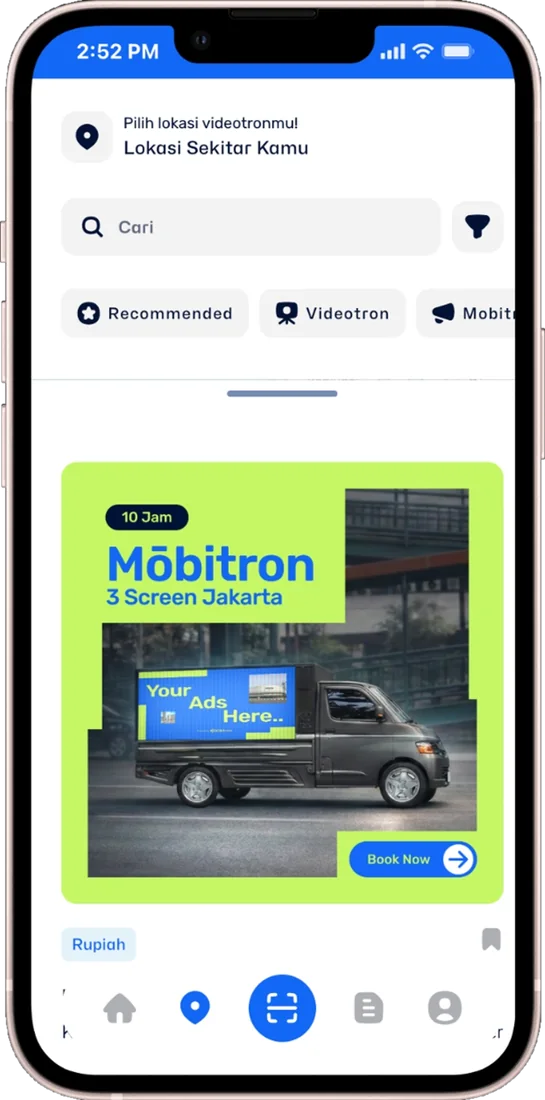
Find videotrons and Mōbitron sessions by area and category, then book the one closest to your audience.
Buy a package of Plays once, then spend it across points and days. One play is one 15-second airing.
QRIS, e-wallets or a virtual account, with a promo code field right at checkout.
Every airing is recorded by the player. The proof stays in the app, ready whenever you want to see it.
Five moments, all on your phone. The app works in any modern browser and installs to your home screen without an app store.
Browse videotrons and Mōbitron by area and category, search by name, or scan the QR code at a screen. Save the points you like and come back to them later.
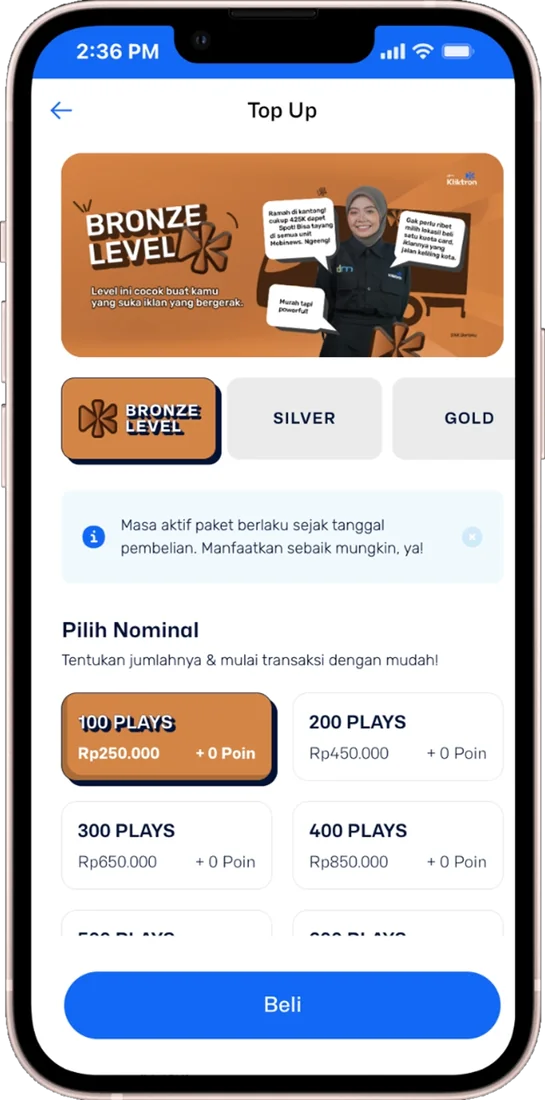
Pick a tier, then an amount. Plays are kept per tier in your balance, and the active period starts on the day you buy. Some packages carry bonus Plays and points.
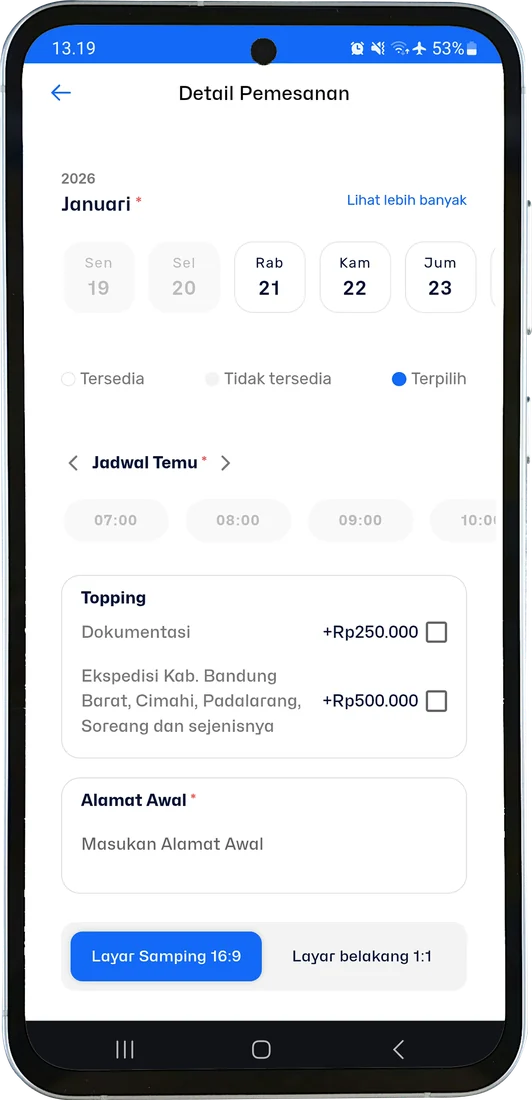
Open a point, choose an Exclusive or Sharing slot, pick the dates and upload your creative. Check it in the app before you schedule it.
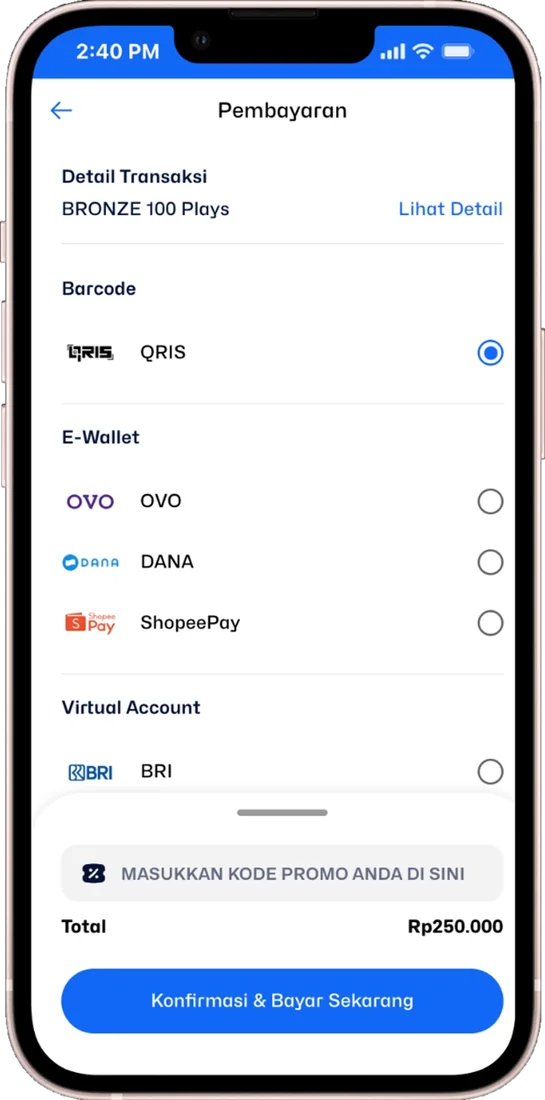
Pay by QRIS, e-wallet or virtual account. Redeem a voucher code or use an active voucher, and review the order and your remaining Plays before you confirm.
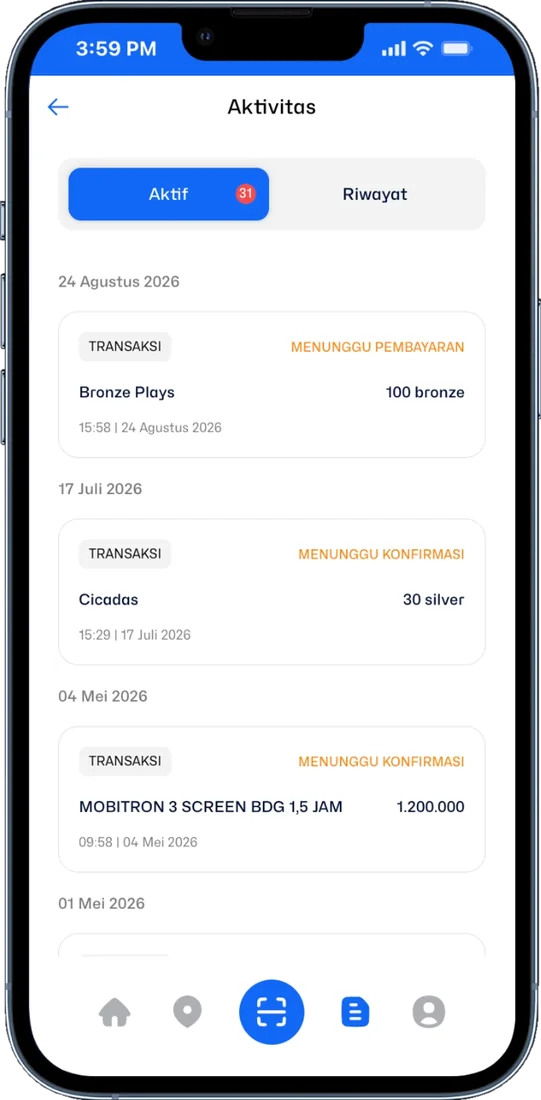
Your creative passes QC before it airs, then joins the schedule of the point. Activity shows every order as it moves, and the proof of play is recorded automatically.
Klik App CMS is where the operator sets up what the app sells. It runs in the browser and signs in with a one-time code. Every change appears in the app as the storefront advertisers see.
Sign-in, identity and devices are handled in the app, so booking stays quick and the balance stays yours.
Register with your name and phone number. Each sign-in is confirmed with a one-time code, so there is no password to forget.
Upload an ID card, driving licence, passport or student card once. After approval, booking opens in full.

Use the app on more than one device. Sign-in history shows where you logged in, and any device can be removed from your account.
The packages you buy in the app are the Qüota Placement tiers. The tier of a point sets its rate, minimum quota and slot priority.
30 plays
Higher-tier points
Premium points and signage packages
Creative must pass QC before airing. Slots follow availability at the chosen point.
Prices exclude 11% VAT. US dollar prices are converted from rupiah at Rp 18,000 = $1; invoices are issued in rupiah.
No. The Klik App signs you in with a one-time code sent to your phone number.
Plays are your airtime balance in the app. You top them up by buying a package and spend them when you book. One play is one 15-second airing.
Yes. The active period starts on the day of purchase and follows the terms of the package and tier you chose.
Verification protects every transaction on the network. You can sign in, browse and top up before it; booking opens once your ID is approved.
Exclusive airs your ad on its own, with no other ads in between. Sharing divides the airtime with other advertisers.
Yes. Screens connected through Vertex can be listed in the Klik App and managed from Klik App CMS. Book a demo to see how.
 Qüota PlacementAirtime on the videotrons and signage Kliktron manages, bought by the play, with proof included.
 Vertex PlayerThe CMS and player beside every videotron. It keeps airing when the internet drops.Personal AdvertiserStart small, one screen at a time: thirty plays in the Klik App, with the proof on your phone.One Play JourneyFollow a 15-second spot from the phone where it is ordered to the counted audience.

Open the Klik App, pick a screen and put your creative on air this week.