 ®
Photospace LED Screen
Every guest’s photo, on the biggest screen in the venue.
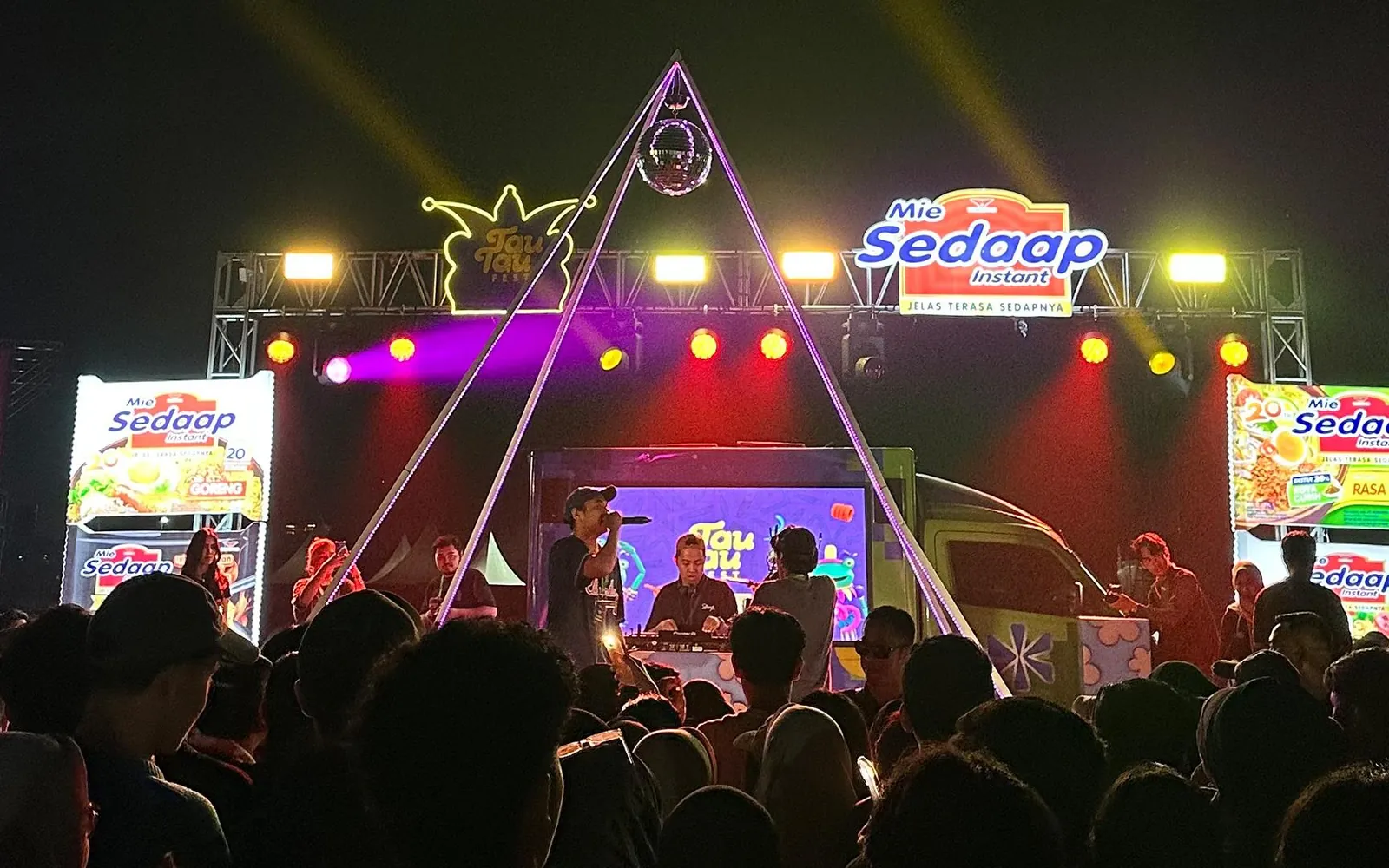
Photospace LED Screen takes the Photospace booth to an LED screen. Each photo appears inside the brand frame on the videotron or the Mōbitron screen for the whole crowd to see, then goes home on the guest’s WhatsApp.
Get the highlights.
-
One photo, the whole crowd sees it
A photo booth is seen by the person in front of it. On an LED screen, every guest’s photo becomes part of the show.
-
The guest’s phone is the shutter
Guests scan a QR, shoot from their own phone and see the result on the big screen. No app to install.
YOUR BRAND
SCAN. SNAP. DONE.Sent to WhatsApp -
Your frame on every shot
Logo, colours, overlay and every line of text follow the campaign. The crowd sees your brand, not the platform’s.
-
Home on WhatsApp
After the big screen, the photo travels with the guest. Each one carries the brand into their own chats.
QRscan, snap, and the photo is on the guest’s phone
One activation, three screens working together.
The booth screen invites, the guest’s phone shoots, and the LED screen shows the result to everyone. All three run on the same Photospace room.
The guest starts on their phone
A QR on the booth screen opens a remote on the guest’s phone, with a live preview. The guest enters a name and WhatsApp number once, picks a layout and presses the shutter.
- One QR serves one phone, so photos never swap
- Names and numbers collected for the door prize
YOUR BRAND
SCAN. SNAP. DONE.Sent to WhatsAppThe big screen shows the moment
The photo wall runs full screen on the LED screen and picks up new photos on its own. Every guest who takes a photo appears in front of the crowd, inside the brand frame.
- Slideshow of the latest photos, refreshed automatically
- Same brand on the booth, the phone and the screen
The photo goes home with the guest
The finished photo arrives on the guest’s phone and goes to their WhatsApp, with an animated version for multi-frame layouts.
- Download straight from the phone as well
- WhatsApp delivery follows gateway availability
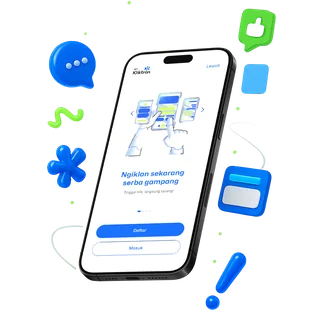
A door prize on the same screen
When the brand runs a draw, faces of guests who took a photo roll on the LED screen until one winner remains. One guest, one slot.
- Prize tiers drawn from the smallest to the main prize
- Winners kept in the account, with full contact details

Wherever there is a screen, the booth can be there.
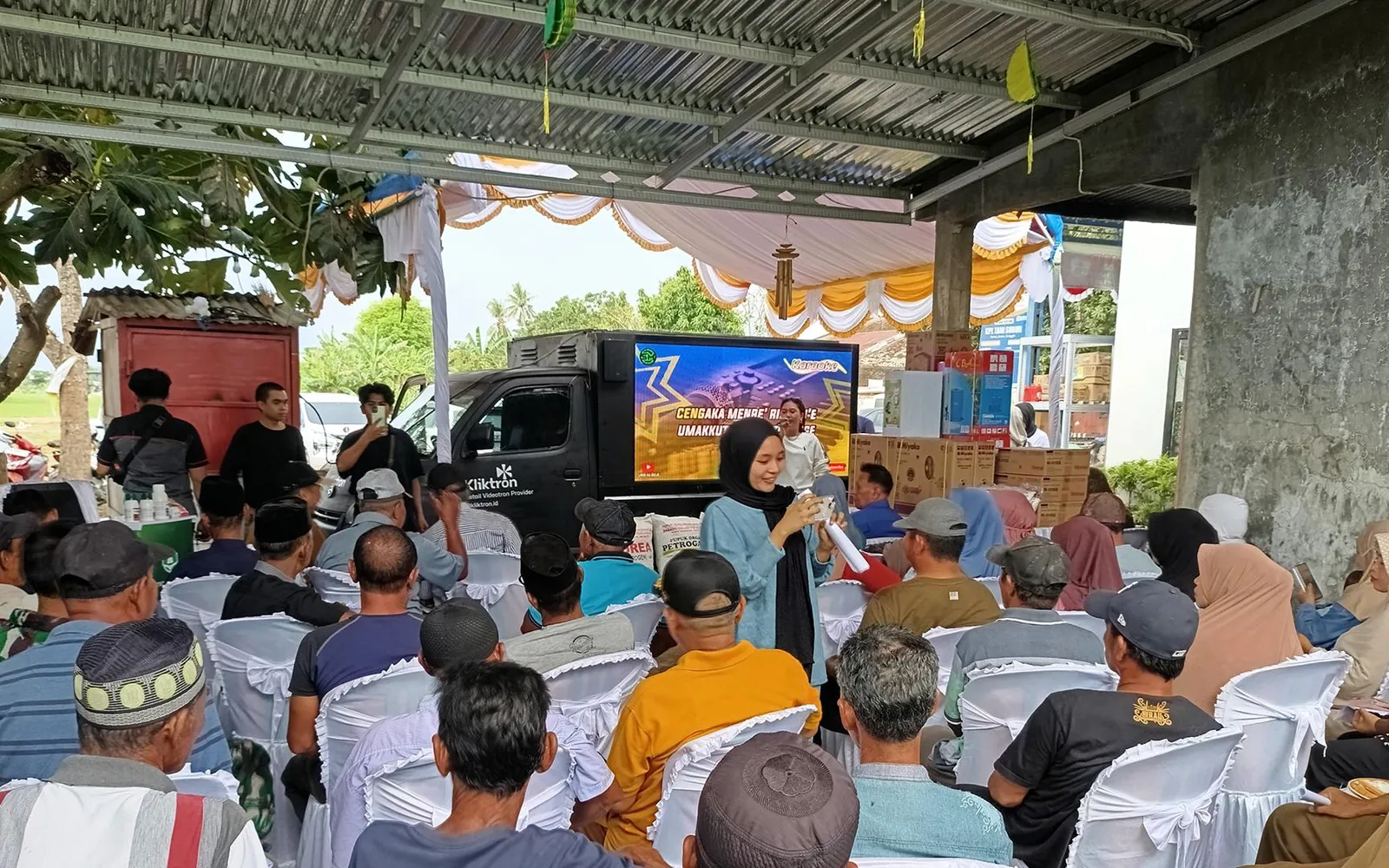
The same activation runs on a venue videotron, on a Mōbitron screen brought to the event, or inside a Mōbibooth.
Indoor or outdoor videotron
The venue’s own LED screen in a mall, an event hall or an outdoor stage becomes the photo wall.
Commercial spacesMōbitron at the event
No screen at the venue? A Mōbitron drives the screen to the crowd and parks where people gather.
MōbitronMōbibooth
The interactive booth format of Mōbitron, made for malls, crowds and events.
Mobile out-of-homeCreative made for the screen it plays on.
The brand frame and the campaign content are prepared for the format of the screen. On a videotron that means a 1920 × 1080 creative; on a Mōbitron, a front and a back screen of different sizes.
- Videotron creative: 1920 × 1080, MP4, 90% safe zone
- Mōbitron: front 1920 × 1080, back 1024 × 768, safe zone 1720 × 880
- Photo layouts in portrait or landscape, 4R canvas by default
How an activation is scoped and run.
Every event is quoted on its own, because the screen, the venue and the hours change each time.
- 01
Brief
Tell us the date, the venue, the screen you have or need, and the brand.
- 02
Quote
We scope the screen, the hours and the setup, and send a quote per event or per project.
- 03
Brand the room
The Photospace room gets the brand frame, layouts, colours and text for the campaign.
- 04
Event day
Guests scan and shoot, photos appear on the LED screen, and each one reaches the guest’s WhatsApp.
- 05
After the event
The full gallery stays in the account, ready to download for the brand’s report.
Quoted per event, built on the Photospace plans.
Photospace LED Screen has no fixed price list: each activation is scoped with you. The software underneath is also sold on its own.
Photospace LED Screen
Screen, hours, setup and the brand frame, scoped and quoted for your event.
Request a quoteRun the booth yourself
Photospace Automation plans for vendors and agencies, with a free trial for a new account.
See Photospace plansBring the screen
Book a Mōbitron when the venue has no LED screen of its own.
See MōbitronTech specs.
Format
- Screens
- Indoor or outdoor videotron, Mōbitron screen, Mōbibooth
- Videotron creative
- 1920 × 1080 · MP4
- Mōbitron creative
- Front 1920 × 1080, back 1024 × 768, MP4 720p
- On the screen
- Photo wall slideshow, refreshed automatically
Requirements
- Booth
- Laptop and camera supplied by the customer
- Browser
- Google Chrome · Microsoft Edge
- Connection
- Internet at the booth, with a backup line
- Guest phone
- Android 8 or iOS 13 and later, no app
Delivery
- To the guest
- WhatsApp, following gateway availability, or download
- Software
- Photospace (Photospace Automation)
- Pricing
- Per event or per project
Questions, answered.
Photospace Automation is the software you subscribe to and run yourself. Photospace LED Screen is an activation built on it, with the photos shown on an LED screen, scoped and quoted per event.
An indoor or outdoor videotron at the venue, or a Mōbitron screen brought to the event. The screen and its format are confirmed in the brief.
No. Guests scan the QR with the phone camera and everything runs in the browser.
The booth laptop and camera are supplied by the customer, with power and an internet connection at the booth. Everything else is agreed in the quote.
Per event or per project, depending on the screen, the hours and the setup. Send a brief and we reply with a quote.
Keep exploring, related pages.
Photospace AutomationA web photobooth with nothing to install. Guests scan, snap and take the branded photo home on WhatsApp.Game Interactive LED ScreenCrowd games on an LED screen. Players join from their phone, scores run live on the big screen, the brand runs the prizes. MōbitronMoving videotrons and hyperlocal activation that take the campaign to the crowd, with every route tracked.Brand & AgencyPlan across cities, buy by the play, and report with verified plays and a counted audience.

Let’s make it Broadplay,
Anyone,
Anywhere,
Anytime.
Send the date, the venue and the screen. We reply with a scope and a quote for your activation.